Bloomkins
and friends
"Built with love. Powered by nature. "
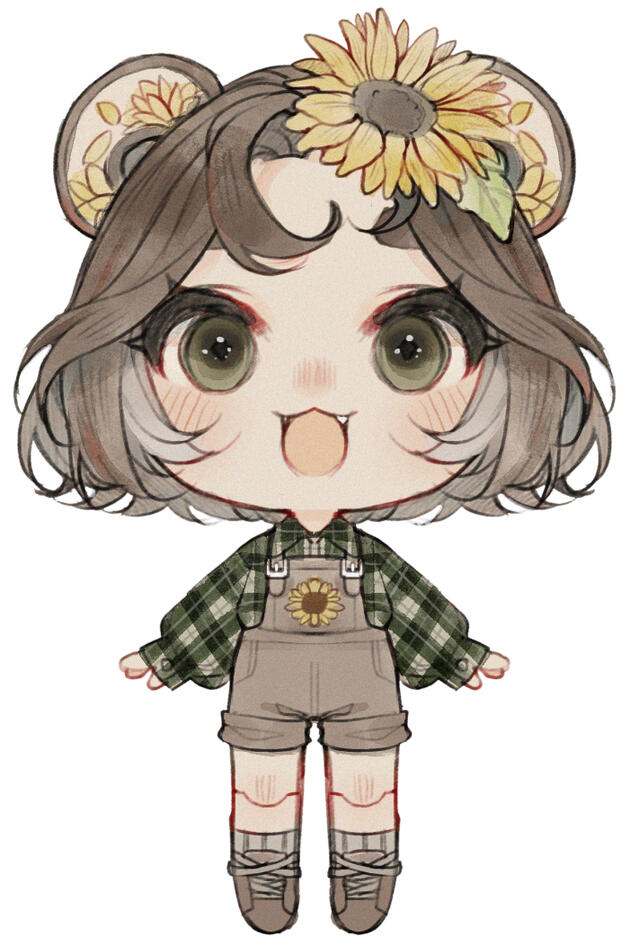
Hello, dear friend, and welcome to the world of Bloomkins! We are a semi-open species, meaning you’re welcome to join in and start your adventure by creating your very own Bloomkin using the free traits in our handy Bloom-guide and the free Bloom-base you can find in our community.Once you’ve sprouted your personal Bloomkin, it’s time to register your new friend at the BloomHub and for you to officially enter the community and look around.Registering your Bloomkin lets you earn Seeds and Bulbs through events and spend them in the Sprout Market on Mods and Skins, which you can install yourself or commission a Podcrafter/Cultivator to handle for you.
Your Bloomkin adventure is all about growth, creativity, and connection. Take part in seasonal events, explore prompts and challenges, or simply spend time nurturing your Bloomkin alongside others. This is a community-first project, built around fun, creativity, and shared worldbuilding, not pressure or competition.
Seeds are all you need for progression and upgrades.
Real-world currency only comes into play if you choose to commission a Podcrafter or Cultivator for custom work, or purchase adopts created by approved artists. Participation, progression, and enjoyment are always free.
Feeling a little lost? Check our Bloom Notes
Species owner
Species owner
Species owner
Events and Announcements
The place to be to stay up-to-date with events, happenings and anything Bloomkin!
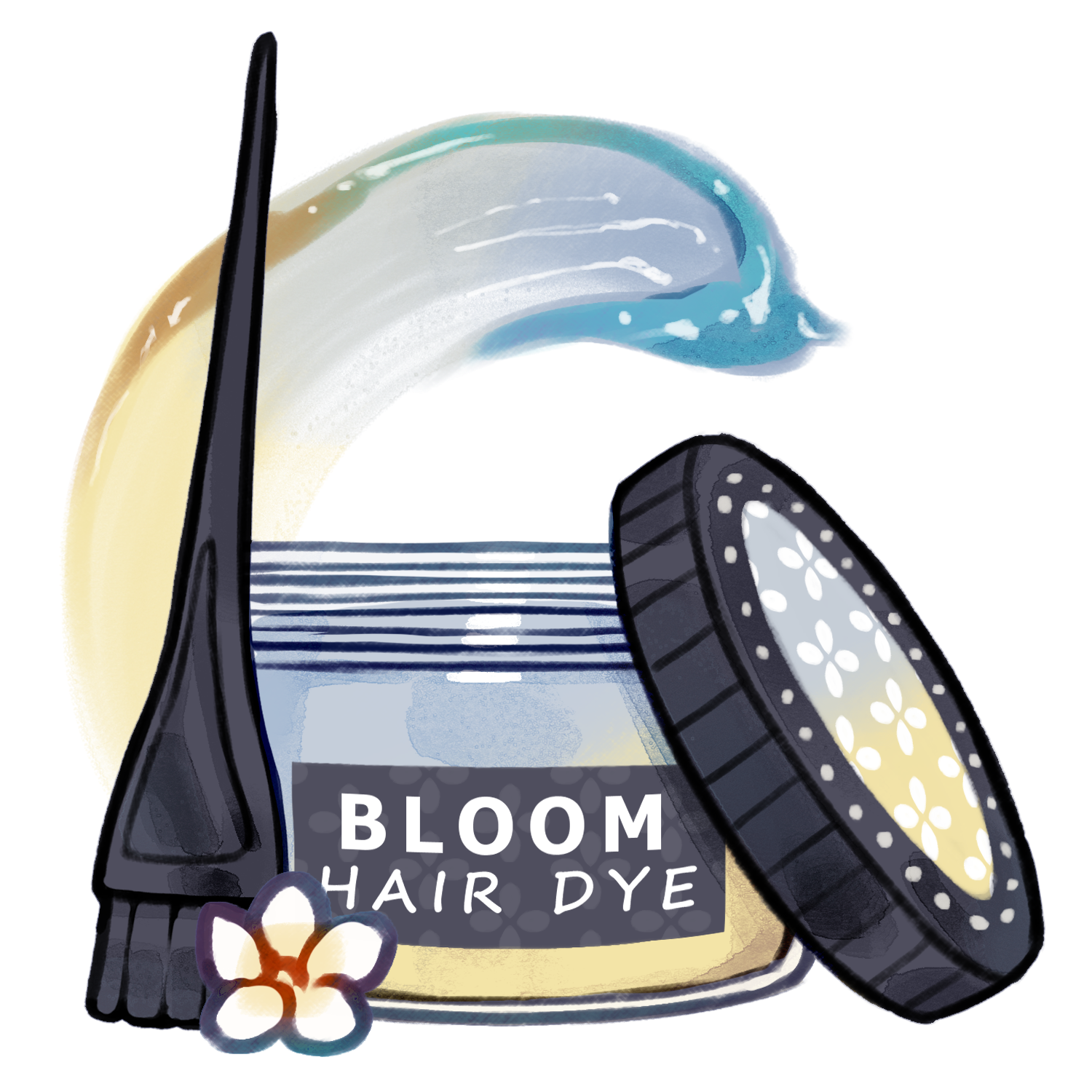
07/04 - 30/04 || Welcome to the Garden Our first event has started. Join our community and join the raffle in which you can earn 1x bicolor skin, 1x bicolor hair dye and 15x seeds ~!
03/12 || New and changes
▸ We added a bicolor skin, dye and lenses to the uncommon cosmetics.
▸ Changed gradient to multicolor and moved collection to rare.
▸ Galaxy collection moved to super rare.
03/09 || T.O.S. Update and more We made some changes to how Bloomkins work, mostly surrounding Podcrafters/Cultivators and adoptable Bloomkin designs. ♡Personal Bloomkin designs stay the same premise. Create a .PSD file for you to alter and modify.Adopted Bloomkins will now only allow you to receive the .PNG's (Nude, clothed, tail and outfit assets.(back and front)) Meaning the Core design (Skin, Eyes and Hair) of that adopt will be locked and can not be altered, unless you have permission or request the artist to make these changes for you. This is to keep the community and artists as safe as possible.Of course adopted designs still allow for cosmetic modifications like outfits, wings, antlers etc. Anything that can be be added as an overlay without harming or altering the original design.
Bloom-Guide
Don't know where to start? You've come to the right place! Follow the buttons down below to learn more or check our Bloom Notes for extra information.
Bloomkin

“Tiny flower-filled companions.”
Pomkin

“Little fruity companions, sweet and crisp.”
Shroomkin
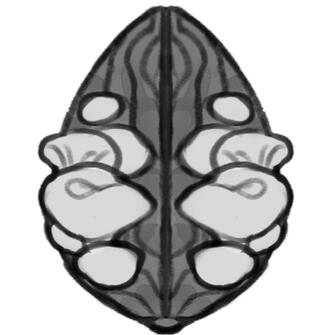
“Mini fungal friends with spores to share.”
Marshkin
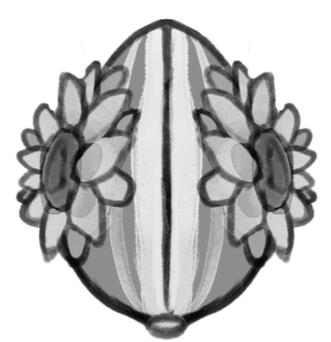
“Tiny companions, blooming by the water’s edge.”
Cropkin
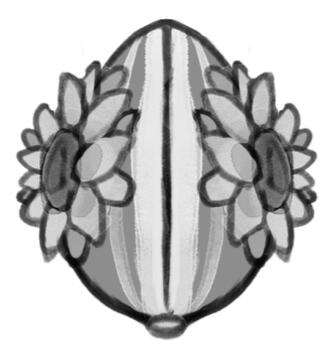
“Tiny harvest helpers for every garden.”
Sapkin
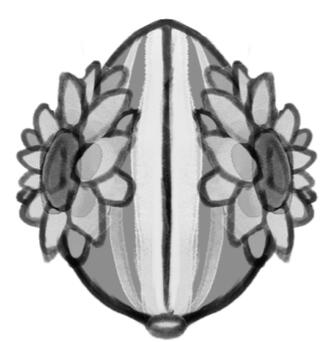
“Pocket-sized tree keepers, carrying nuts and blossoms.”
Bloomkin Blueprint
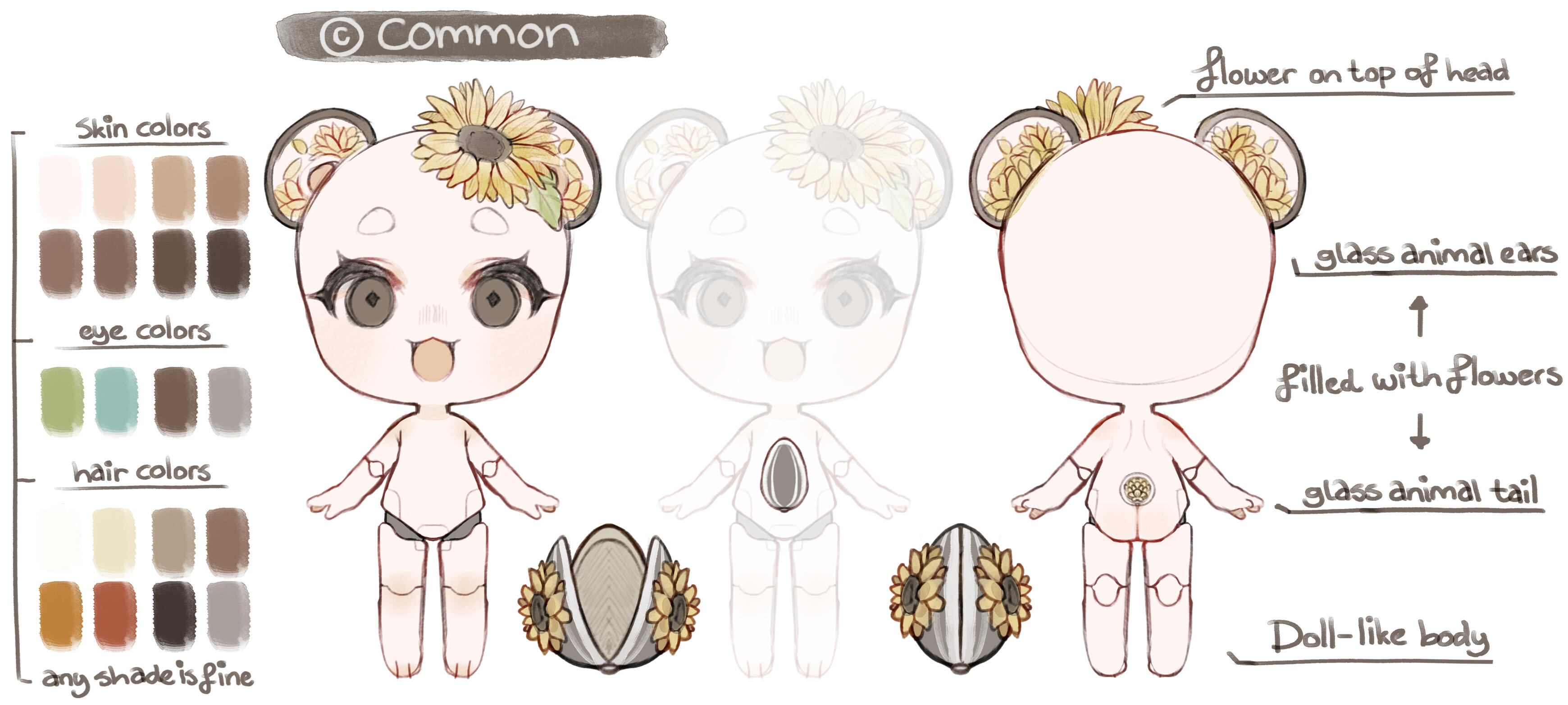
Bloomkins arrive with natural features.Hair must be a single natural color. Multicolored or dyed hair is not allowed at creation. The only exception is natural graying, which may include gray streaks.Natural variations are allowed. This includes things like hazel eyes, heterochromia (two different eye colors), small eye freckles or spots, freckles, beauty marks, and natural skin conditions such as vitiligo or patchy skin.Unnatural colors or altered features must be added later through mods or customization items.
Bloomkins are charming little companions with doll-like bodies, their delicate glass ears and tails filled with blooming flowers.
Each Bloomkin usually wears a single flower atop their head—unless it’s a plant that naturally grows in clusters, like a hydrangea.
They come in a variety of natural skin, hair, and eye colors, making each one distinct. Inside their tiny bodies, Bloomkins carry a seed ,the same type of flower that blooms within them, which they use to nurture and grow their signature plants.
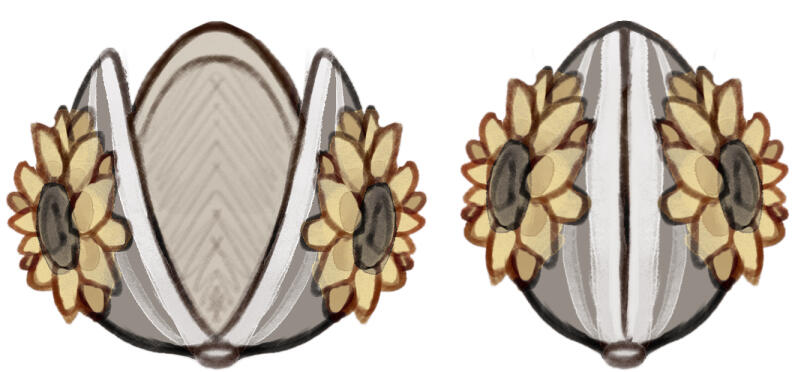
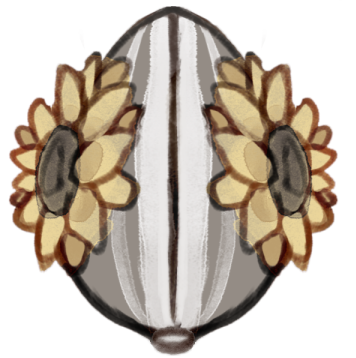
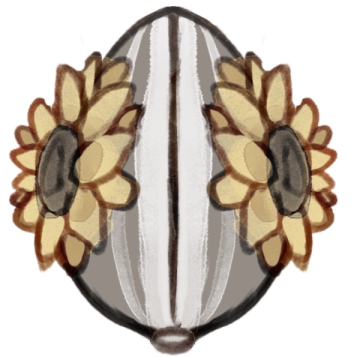
Bloomkins arrive nestled inside Bloompods, typically round or egg-shaped. The pods mirror the seed’s color and texture and are decorated with the matching flower. When watered, the pod opens in three segments, gently revealing the Bloomkin inside, ready to bring life to your garden.
Shroomkin Blueprint
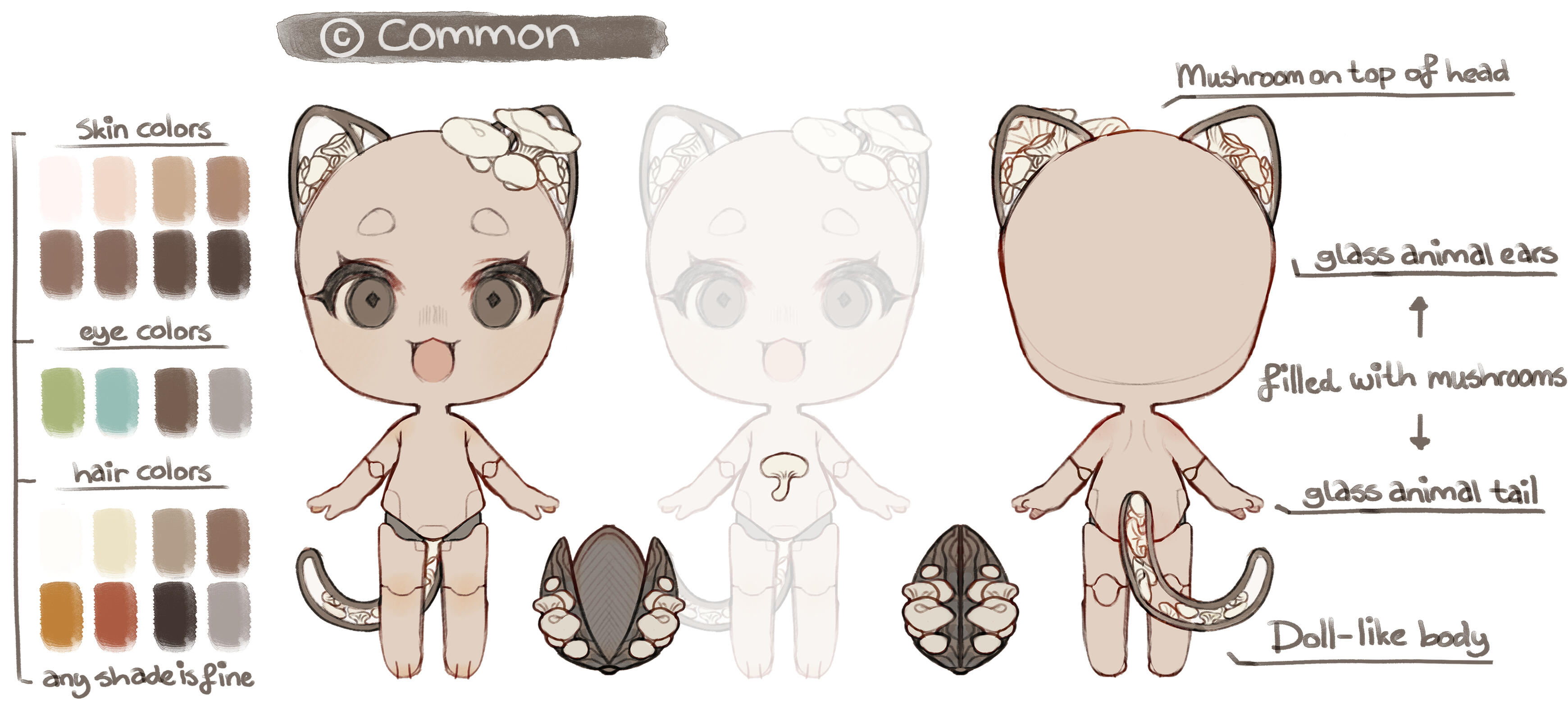
Shroomkins are gentle, forest-born companions with soft, doll-like bodies and delicate glass features with growing mushrooms within. Unlike their floral cousins, Shroomkins thrive in cool shade and quiet places, where damp soil and drifting mist help them feel at home.
Each Shroomkin carries a single mushroom or multiple mushrooms atop their head, depending on the mushroom species.
Their skin, hair, and eye colors range through natural, earthy tones, making every Shroomkin subtly unique.
Within their small mechanical bodies, Shroomkins nurture clusters of spores instead of seeds. These spores allow them to cultivate and spread their signature fungi, encouraging slow, steady growth and restoring life to shaded gardens and hidden forest corners.
Bloomkin Origins
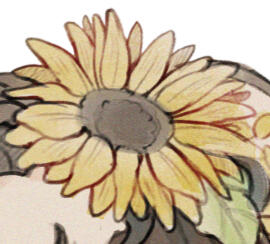
It began quietly.A young inventor, watching his grandmother struggle to tend the garden she once loved, set out to build something gentle. Something small. Something kind. A helper that could carry life back into soil when hands could no longer manage the work alone.What began as a personal act of care soon revealed a possibility far beyond a single garden.
Each Bloomkin carries a living seed within their tiny body, allowing them to plant, nurture, and care for the very flower, tree, or plant they are created to grow. They can assist with small tasks, yes, but their true purpose has always been simple: to bring life back to the earth, one seed at a time.When we first encountered this creation, we saw more than innovation. We saw hope. We saw care made mechanical, and compassion turned into design.We offered the inventor the means to protect his grandmother’s future, and the opportunity to share his creation with the world. With his blessing, the Bloomkin project began its journey beyond a single garden.
What started as one act of love has become a worldwide ecosystem of tiny gardeners.
Today, Bloomkins travel across continents in their signature mechanical BloomPods. Each one arrives dormant inside, waiting. When water is poured over it, the mechanism awakens, the shell unfolds, and a Bloomkin is born.From small balconies to vast gardens, Bloomkins now help people everywhere reconnect with growth, patience, and care.
And this is only the beginning.
The Sprout Market
Hello, hello and welcome to our Sprout Market!
Check our Bloom Notes for more info on buying Mods.
The Sprout Market
Welcome, to our general traits section. We hope you can find what you need.
You'd like to give your Bloomkin a more unconventional skin color, this is the section for that!
20 Seeds
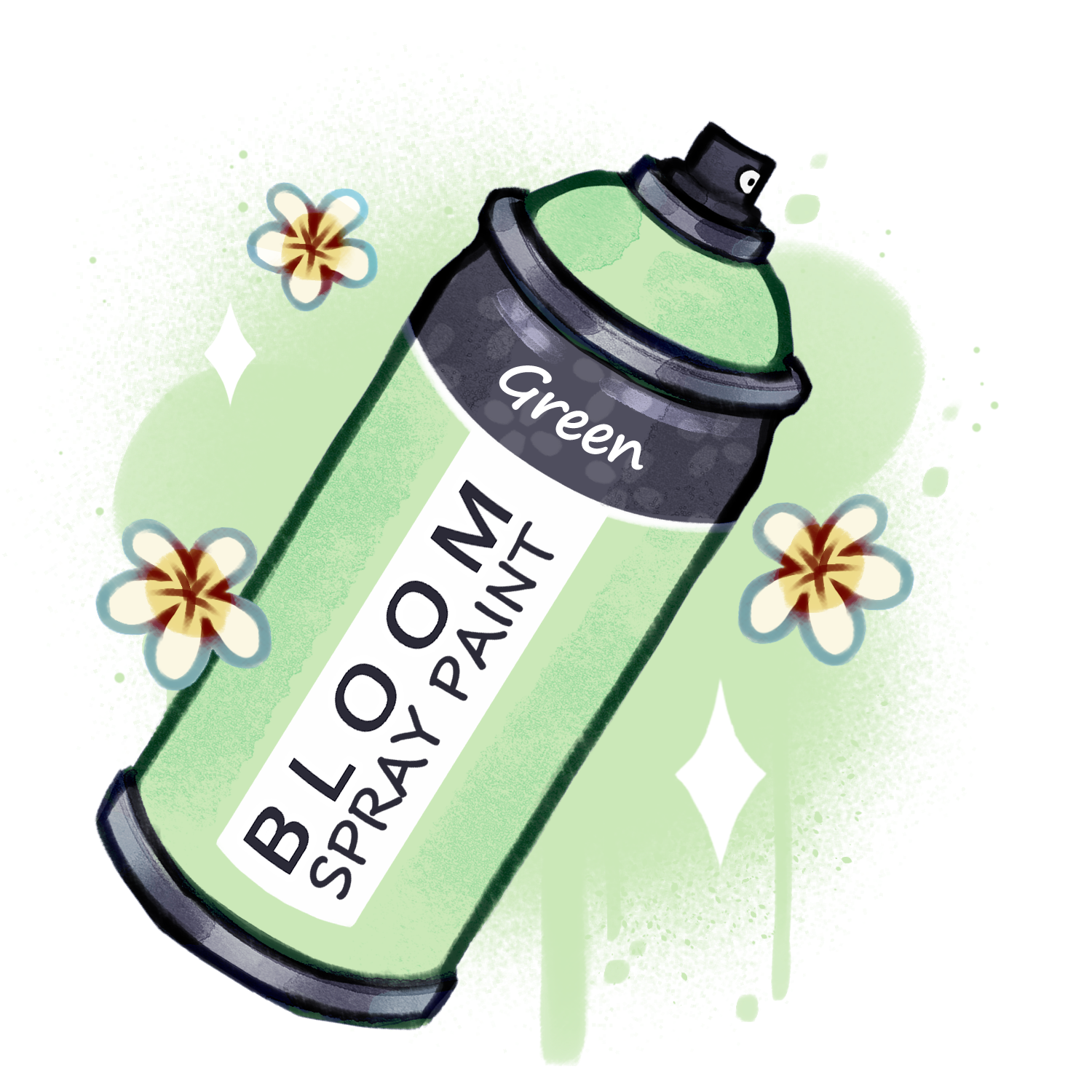
20 Seeds
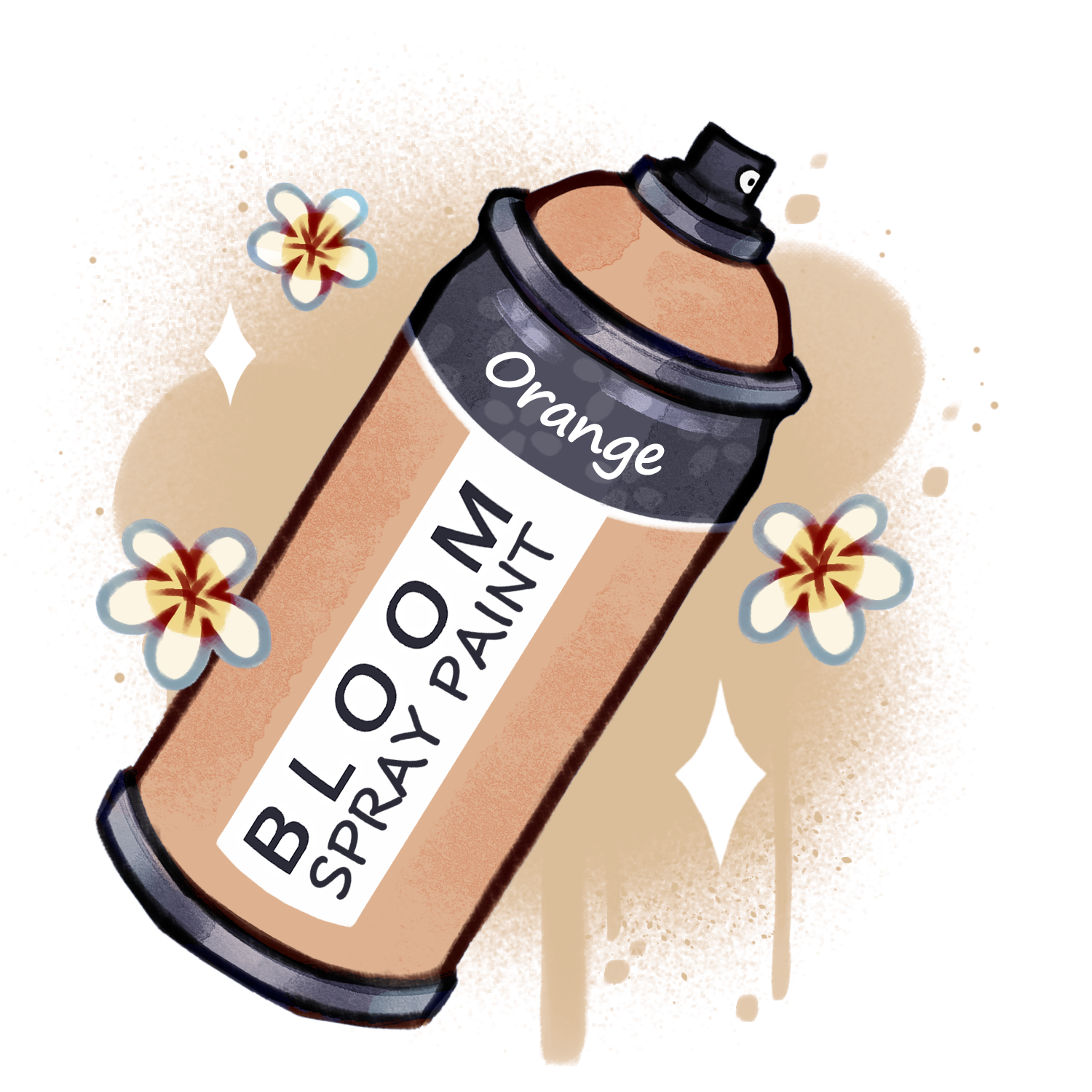
20 Seeds
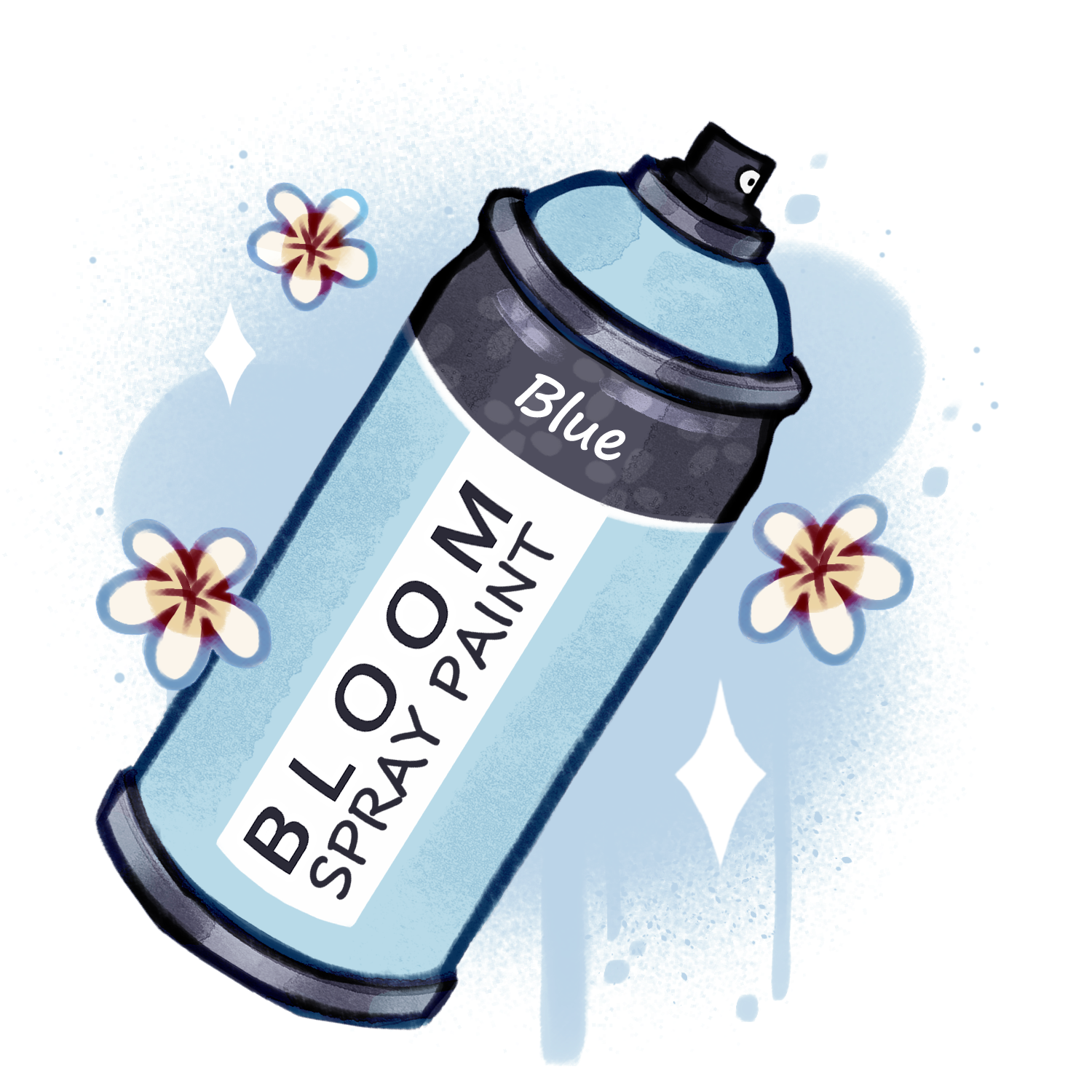
20 Seeds
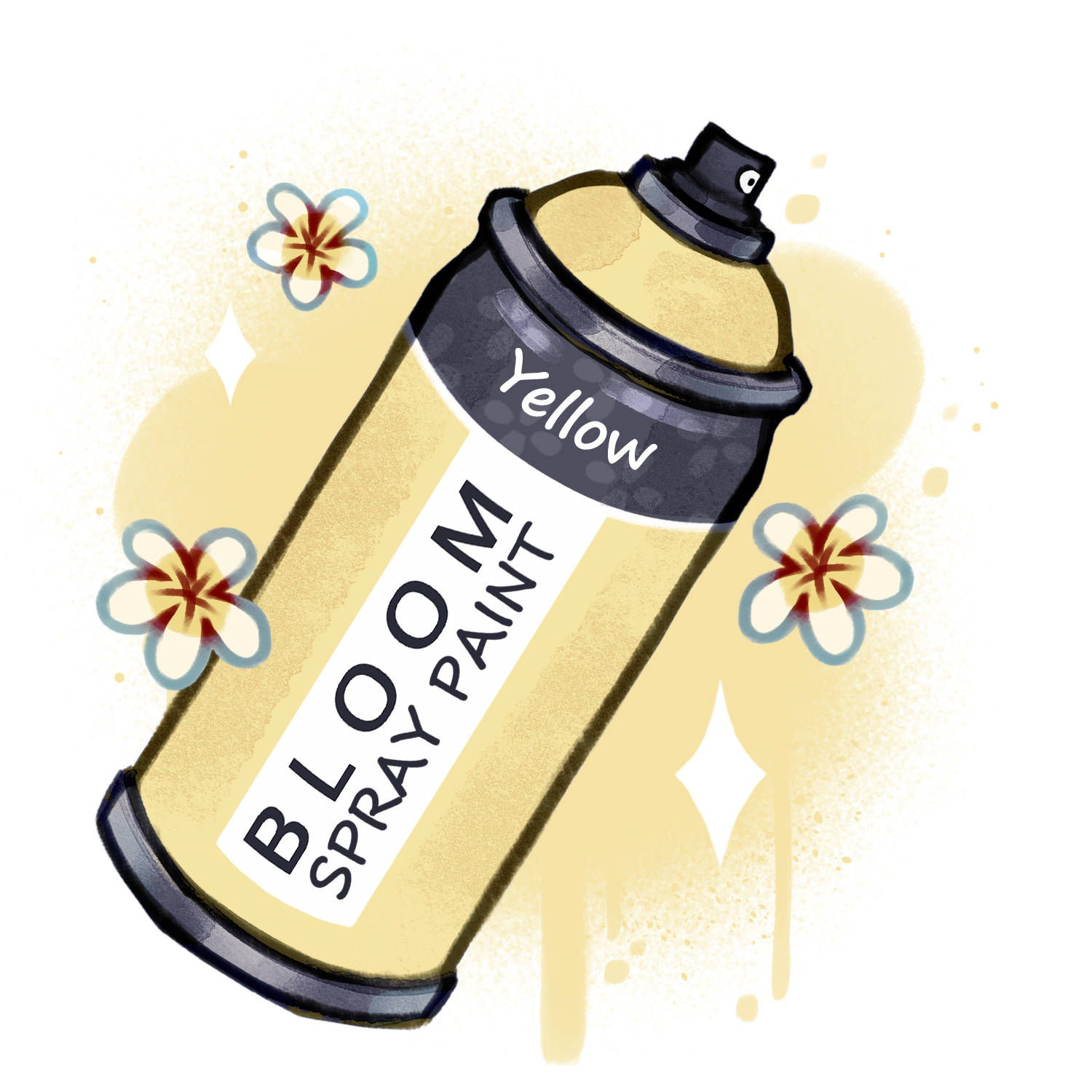
20 Seeds
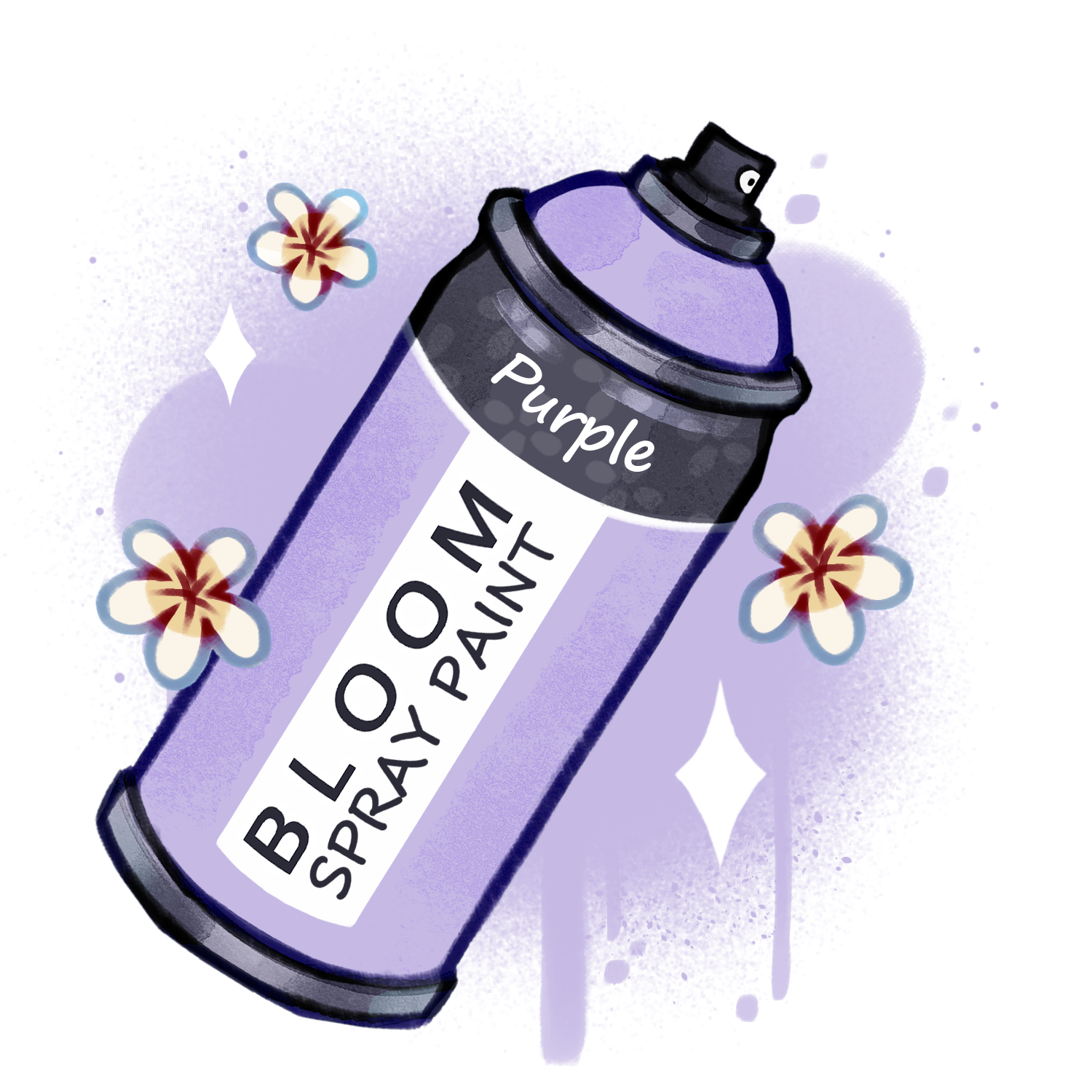
20 Seeds
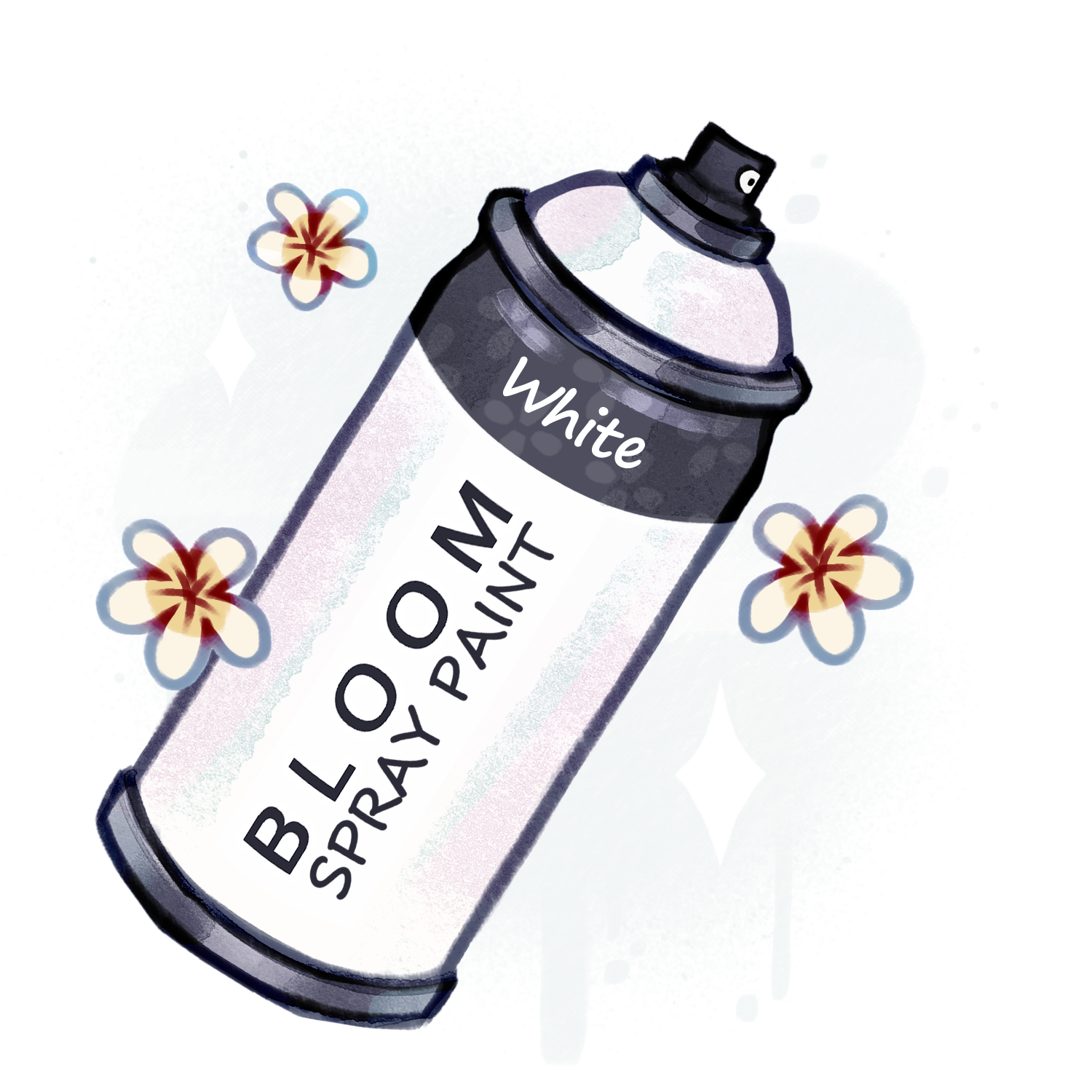
20 Seeds
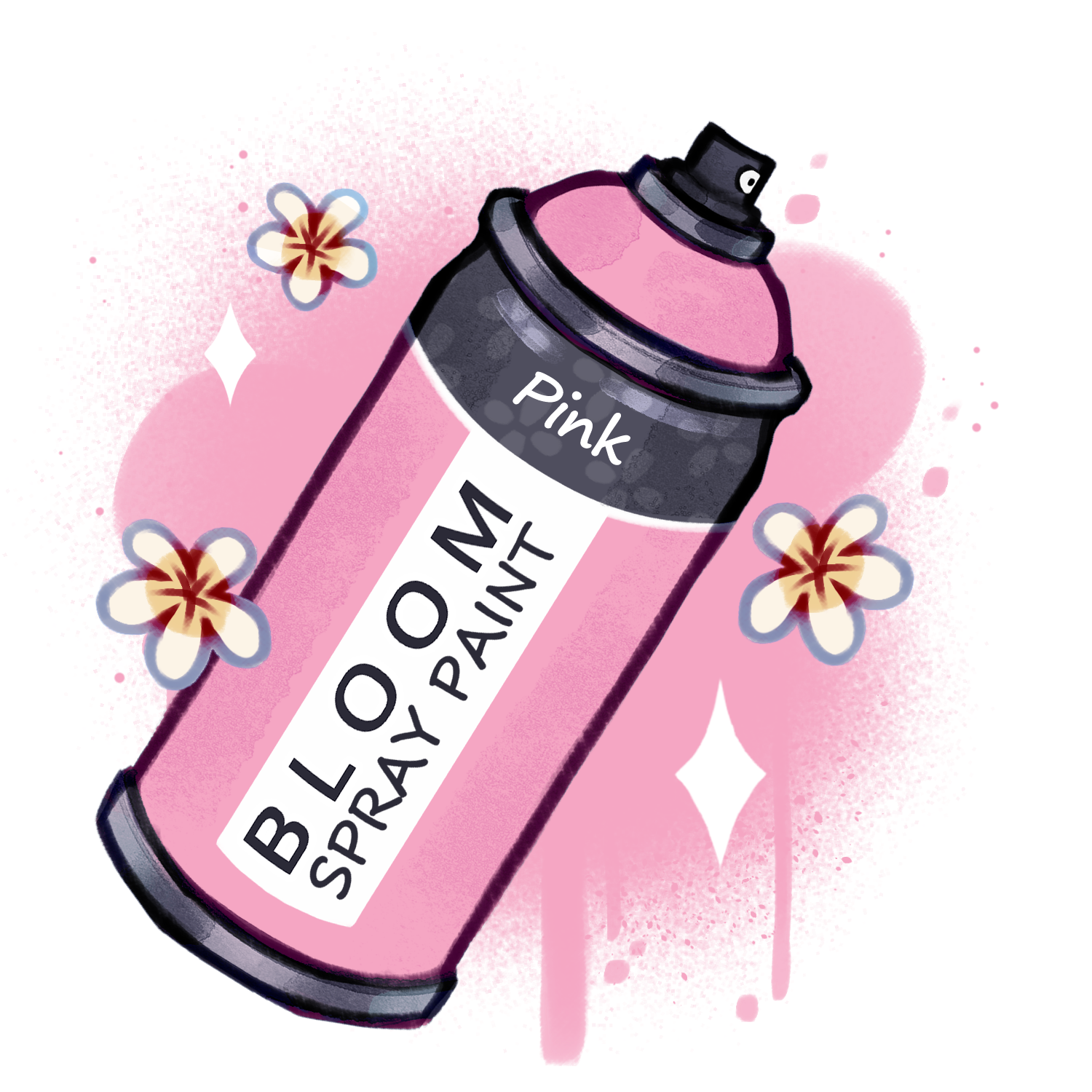
30 Seeds
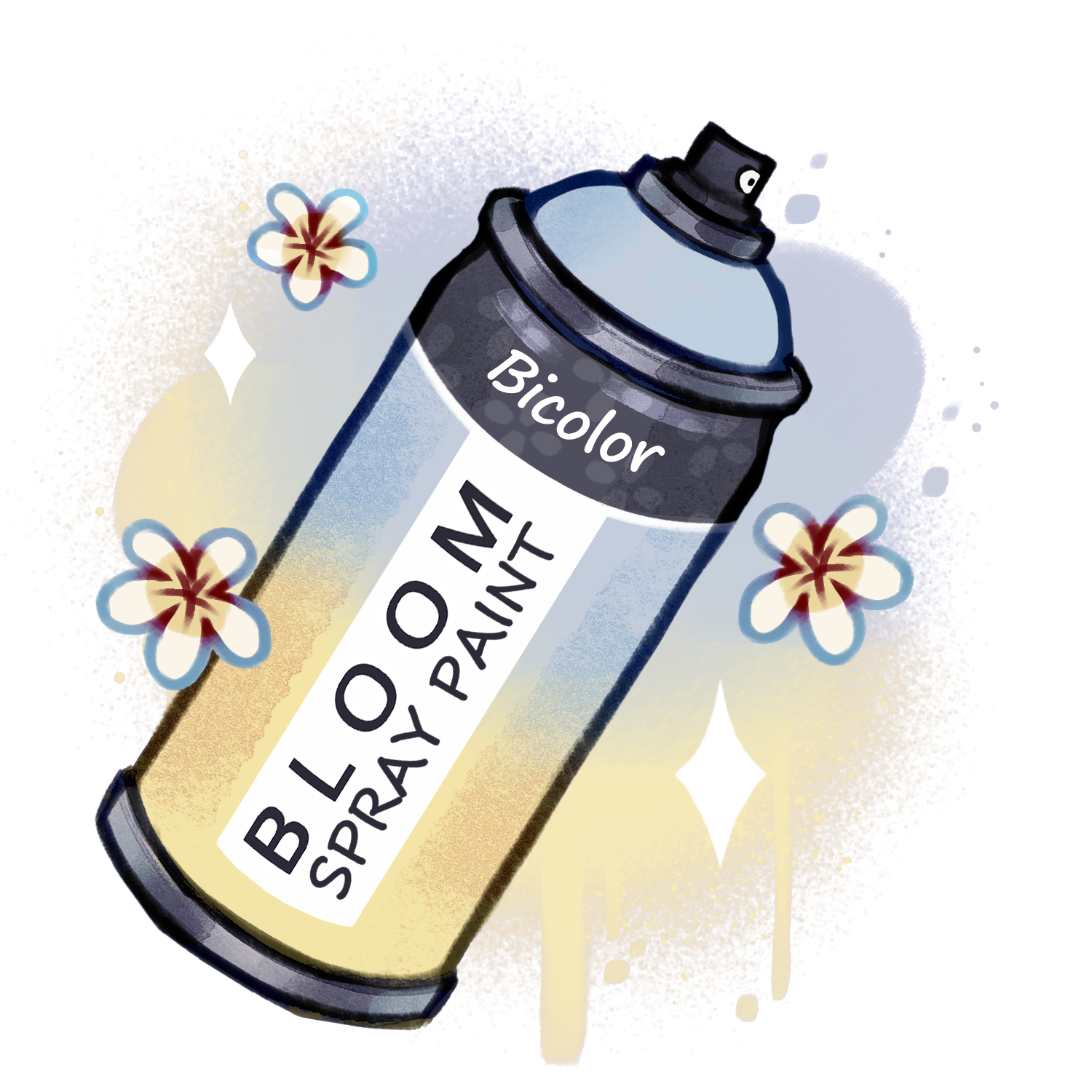
20 Seeds
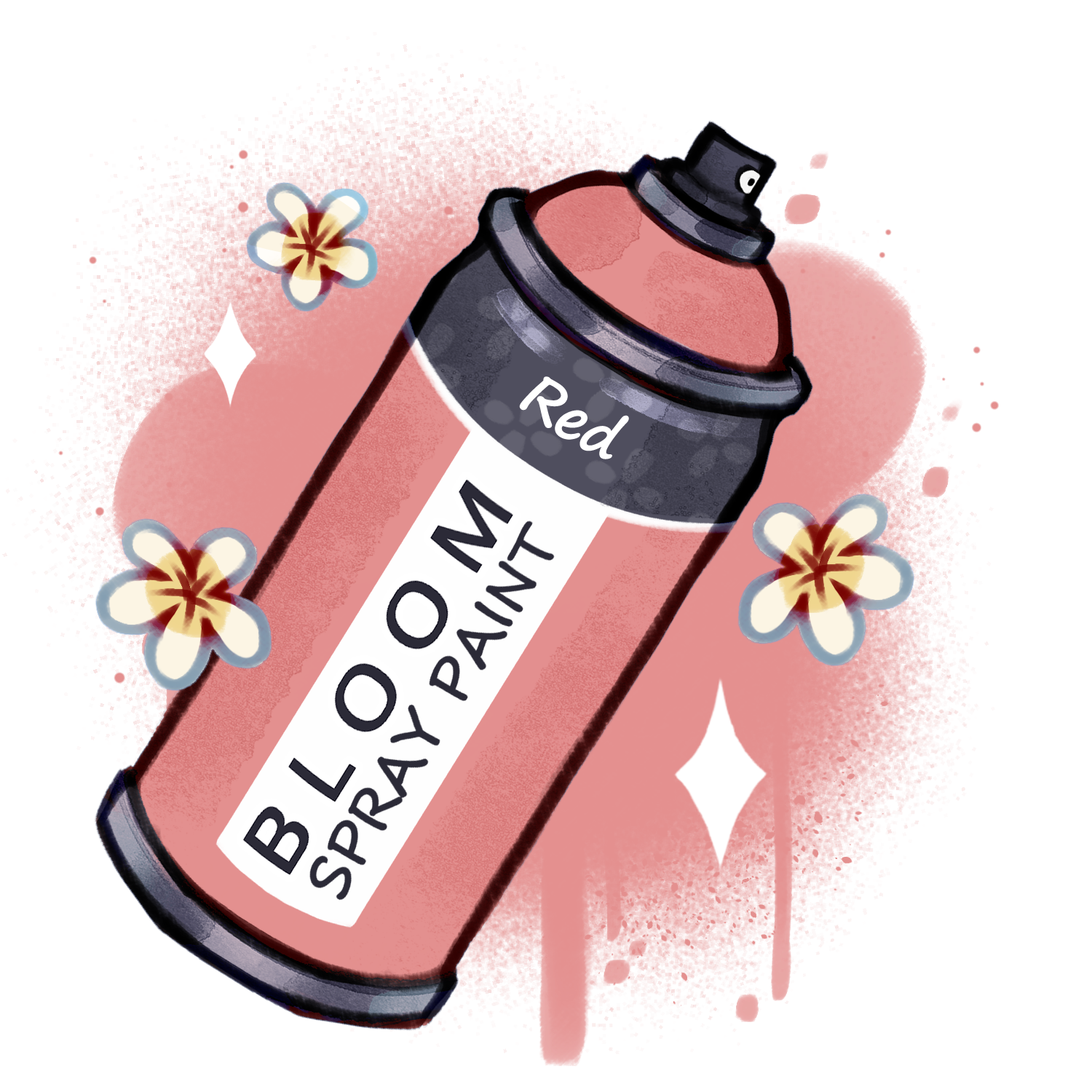
Want some more fabulous hair options. This is the place!
20 Seeds
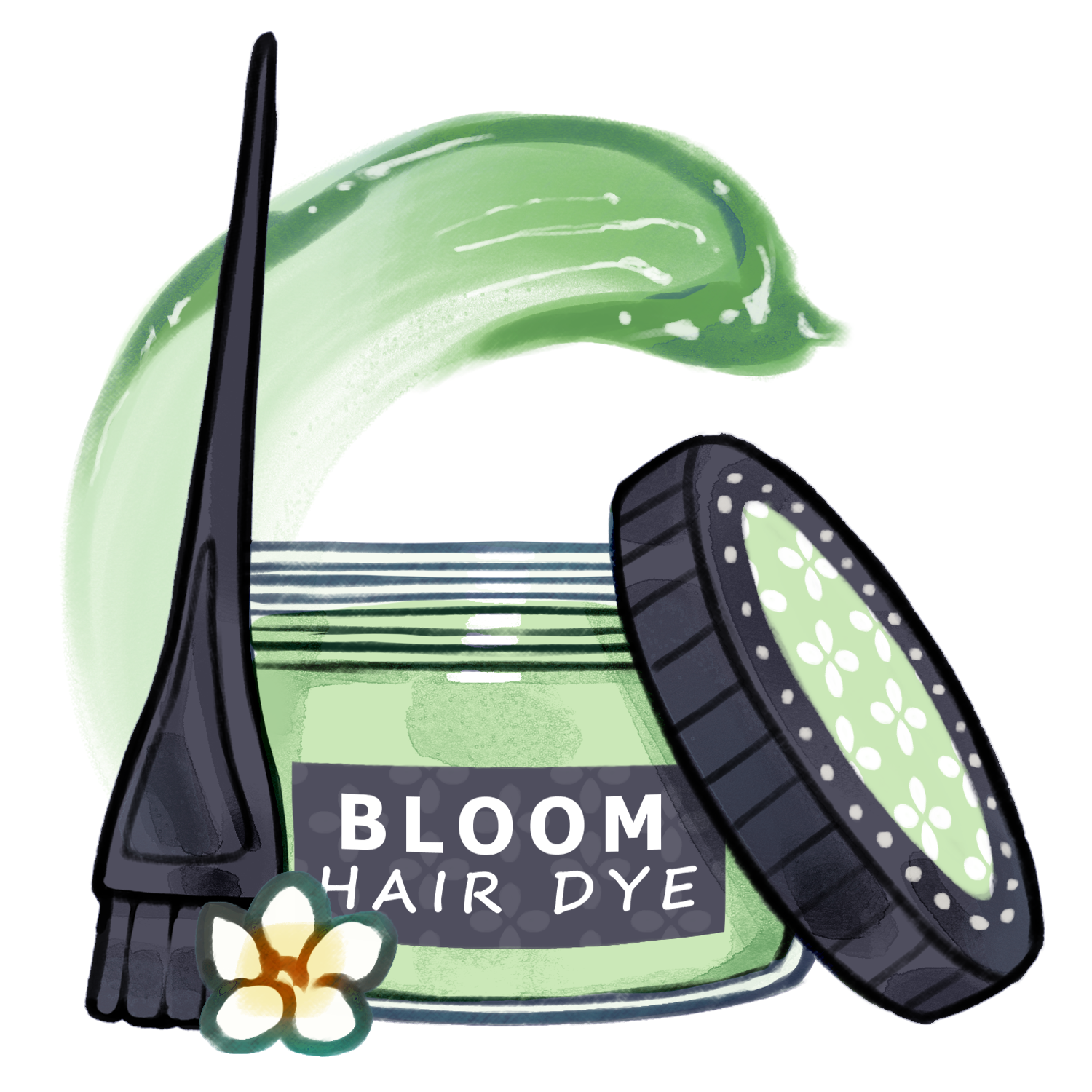
20 Seeds
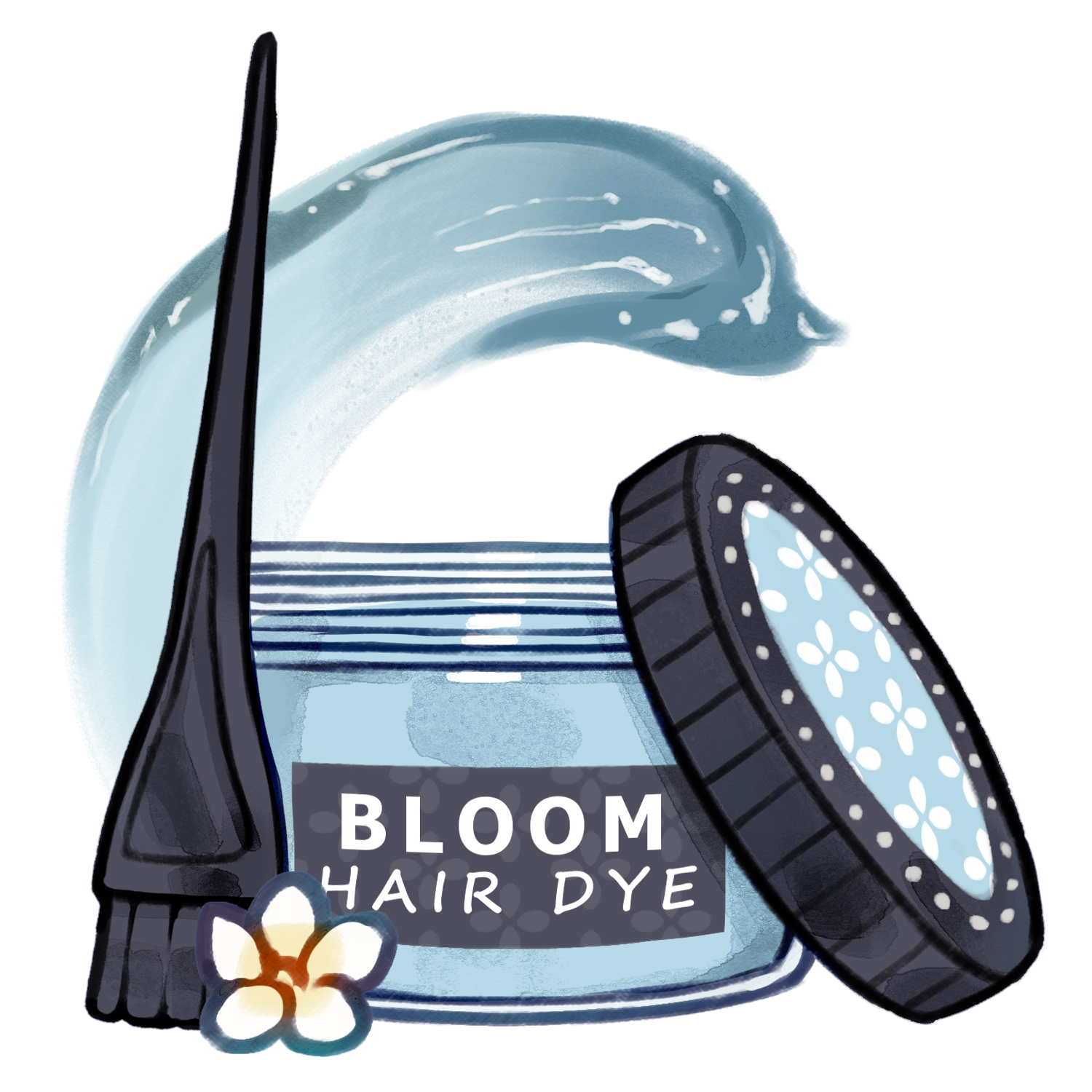
20 Seeds
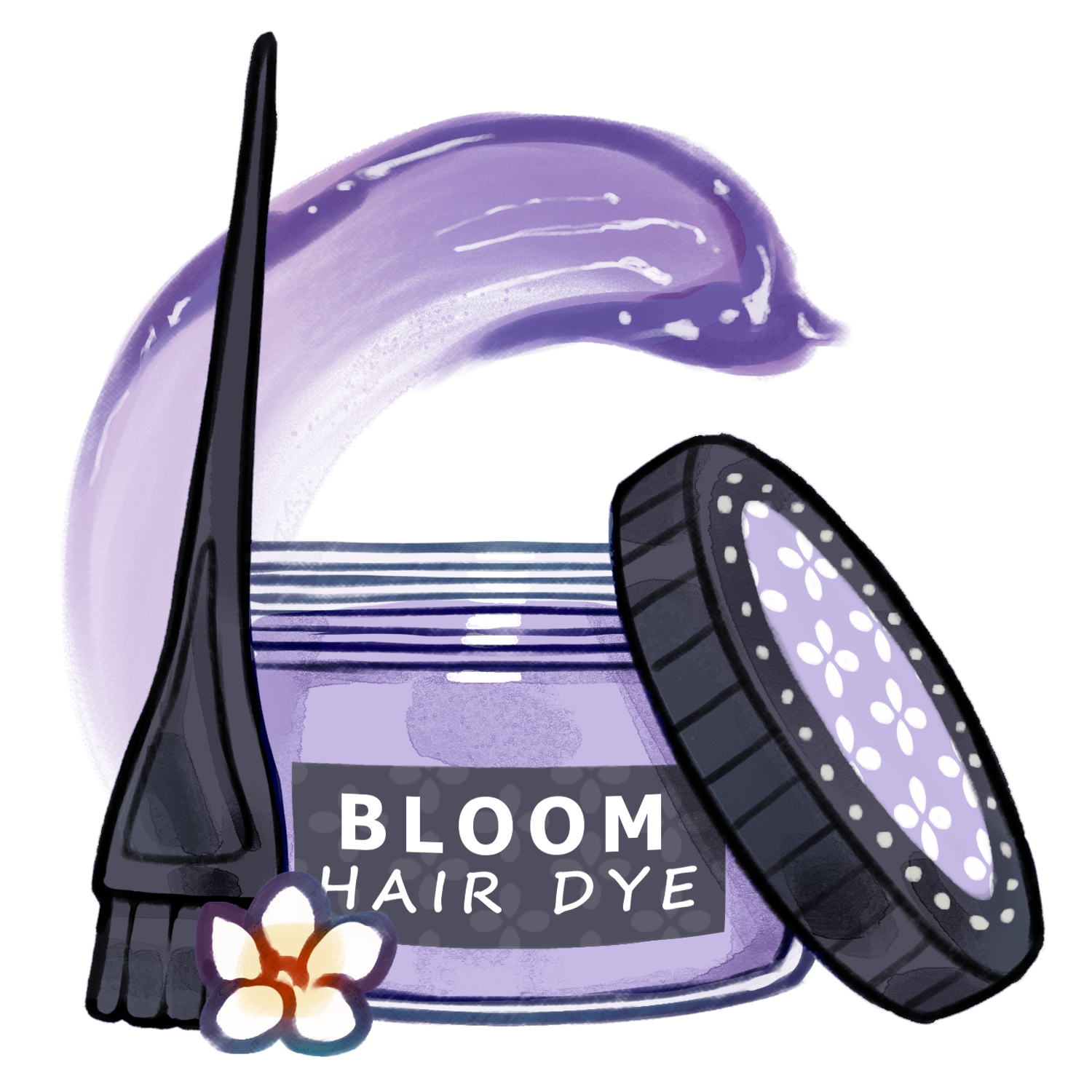
20 Seeds
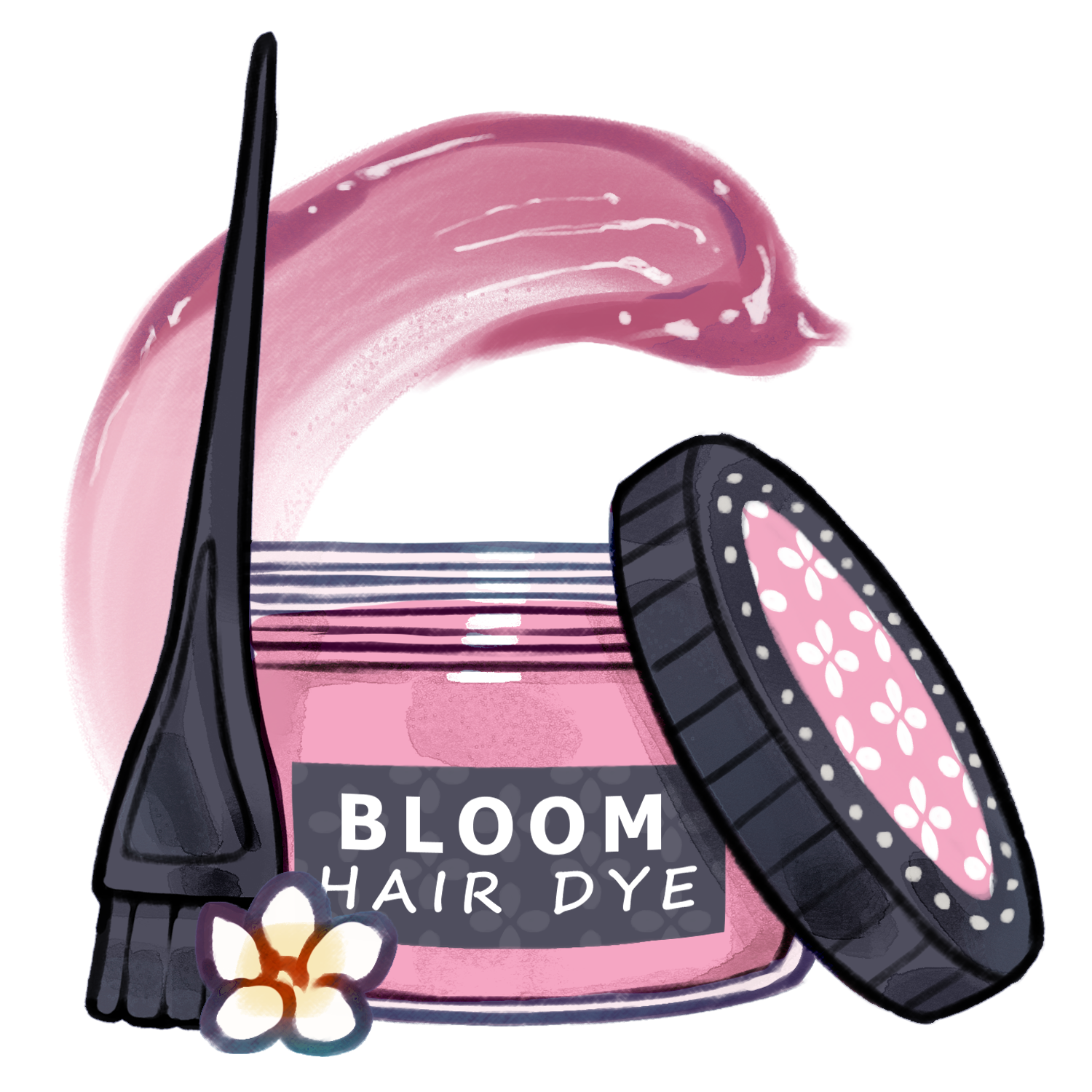
30 Seeds
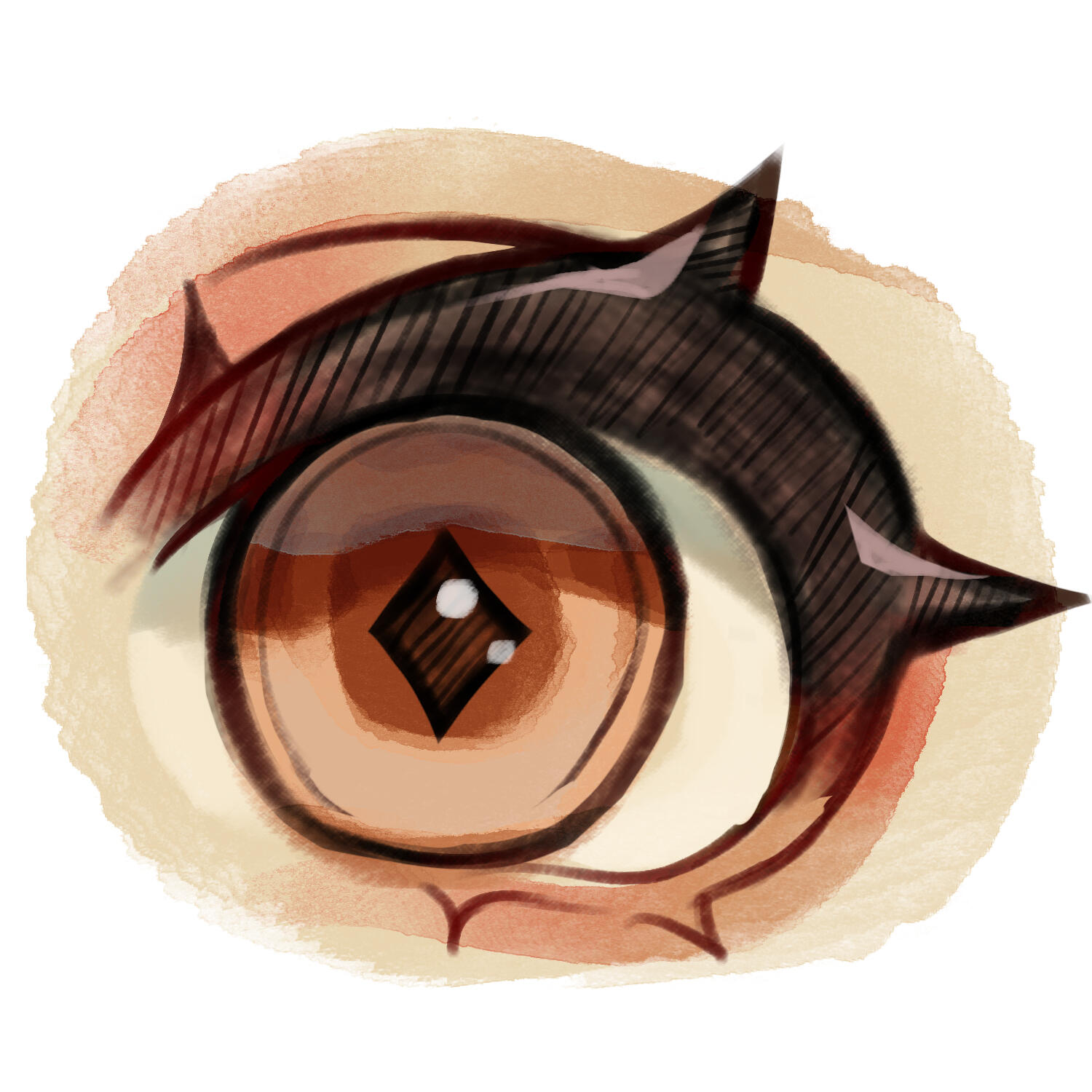
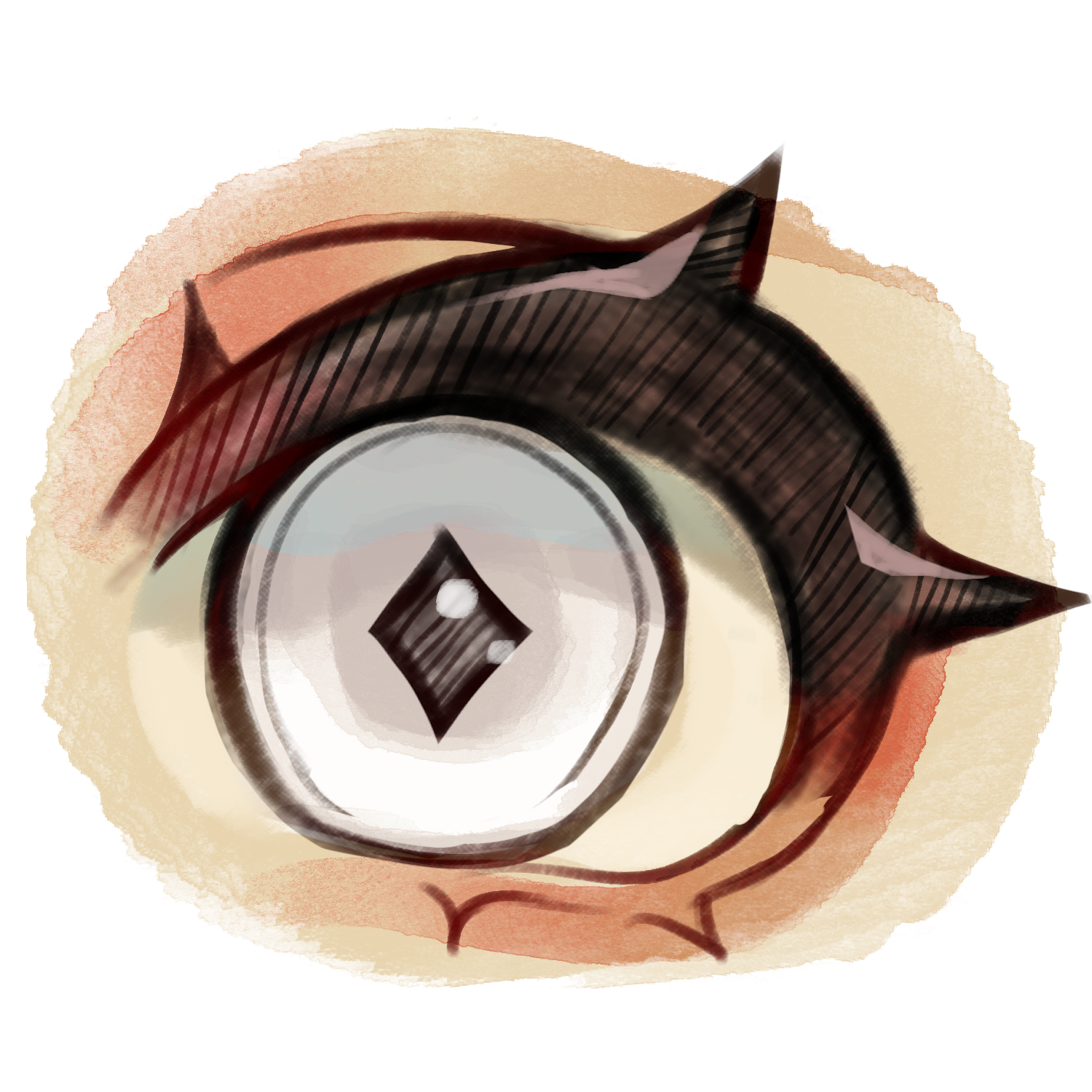
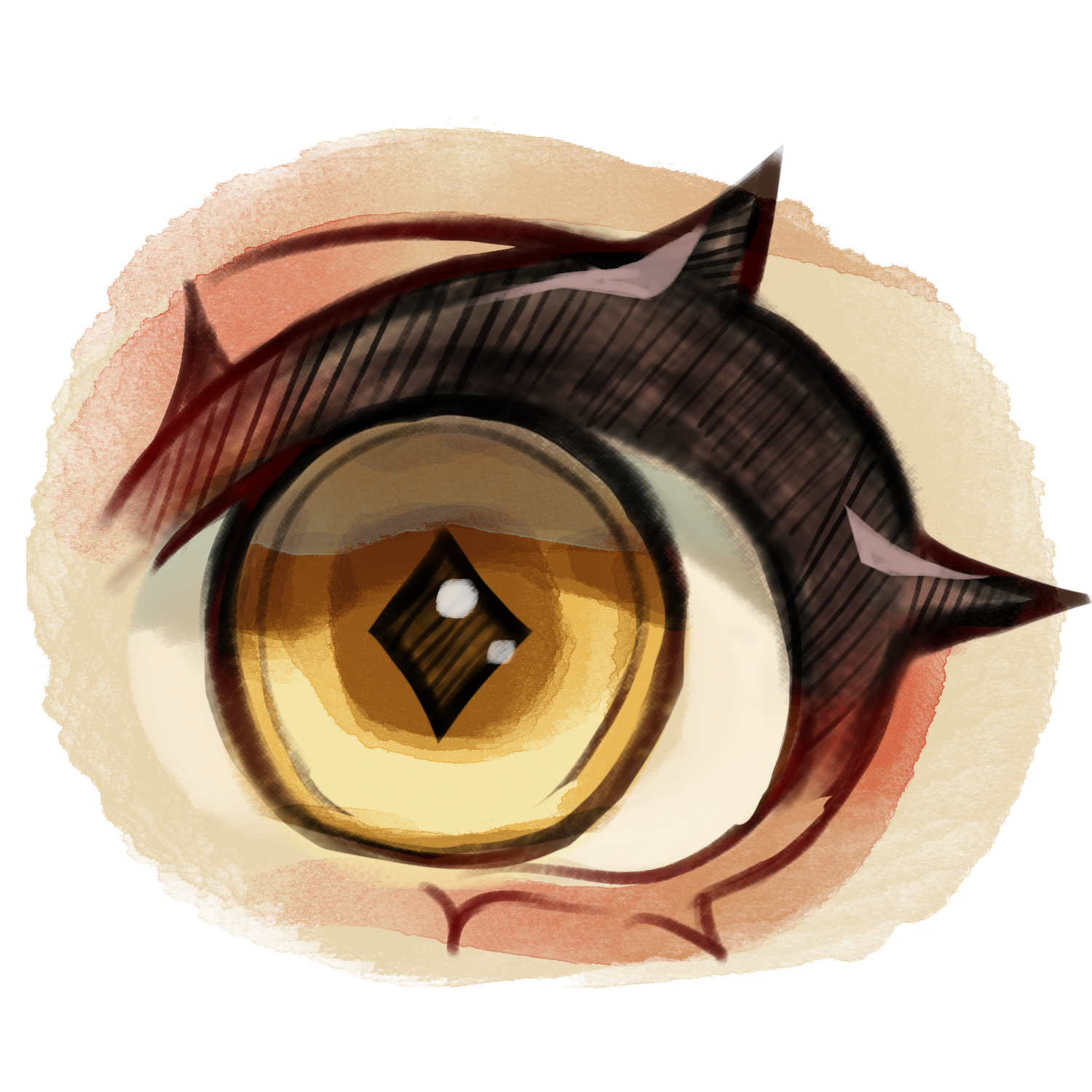
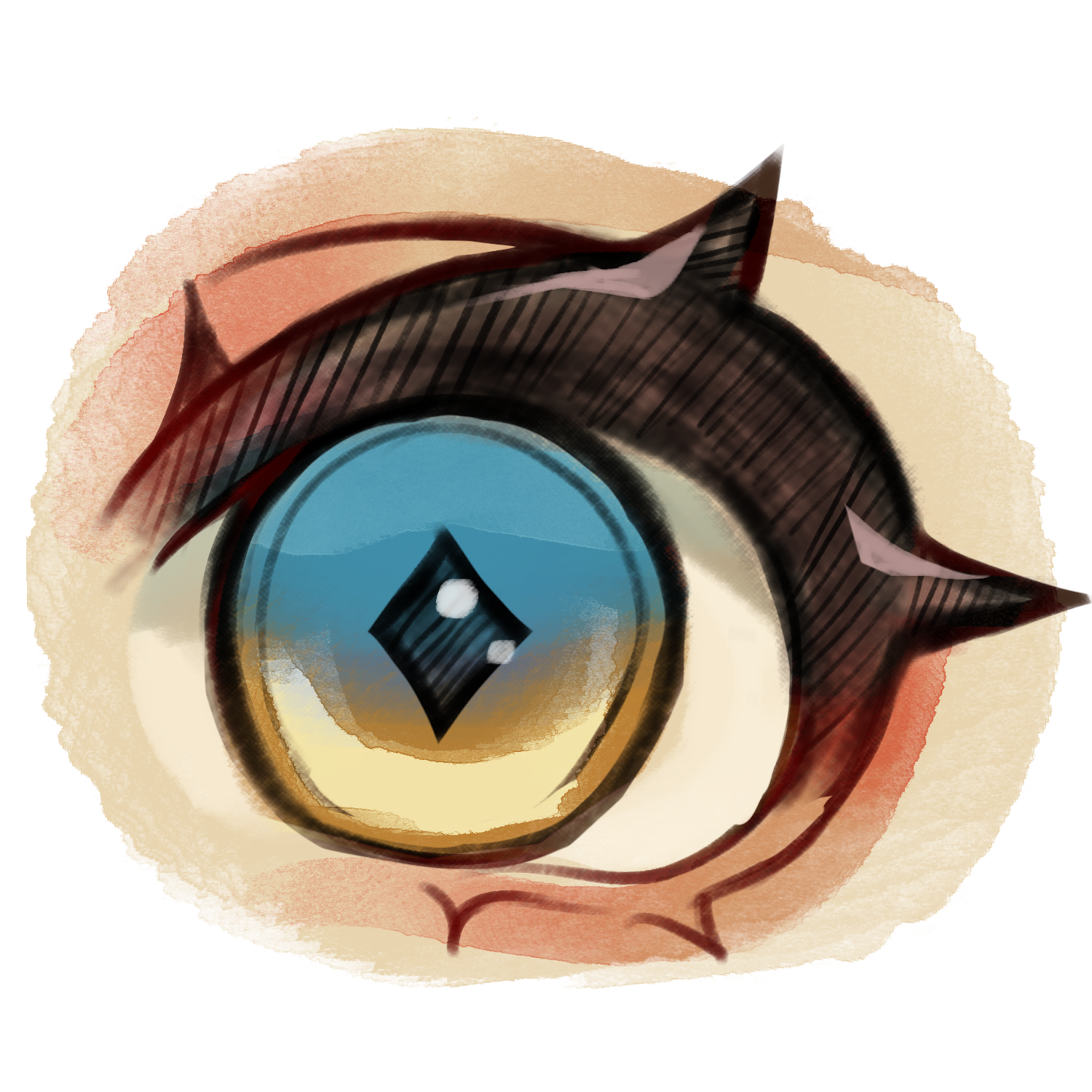
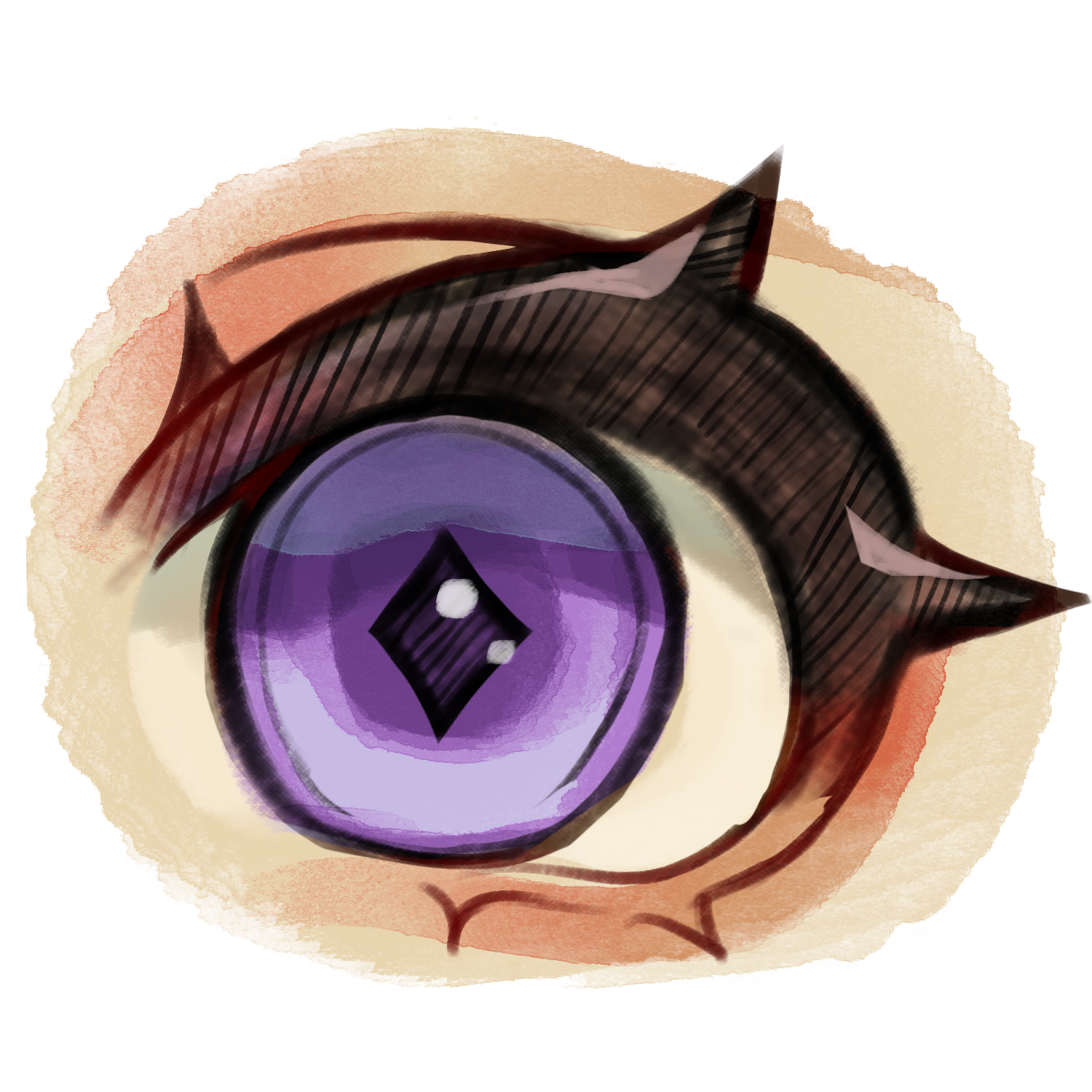
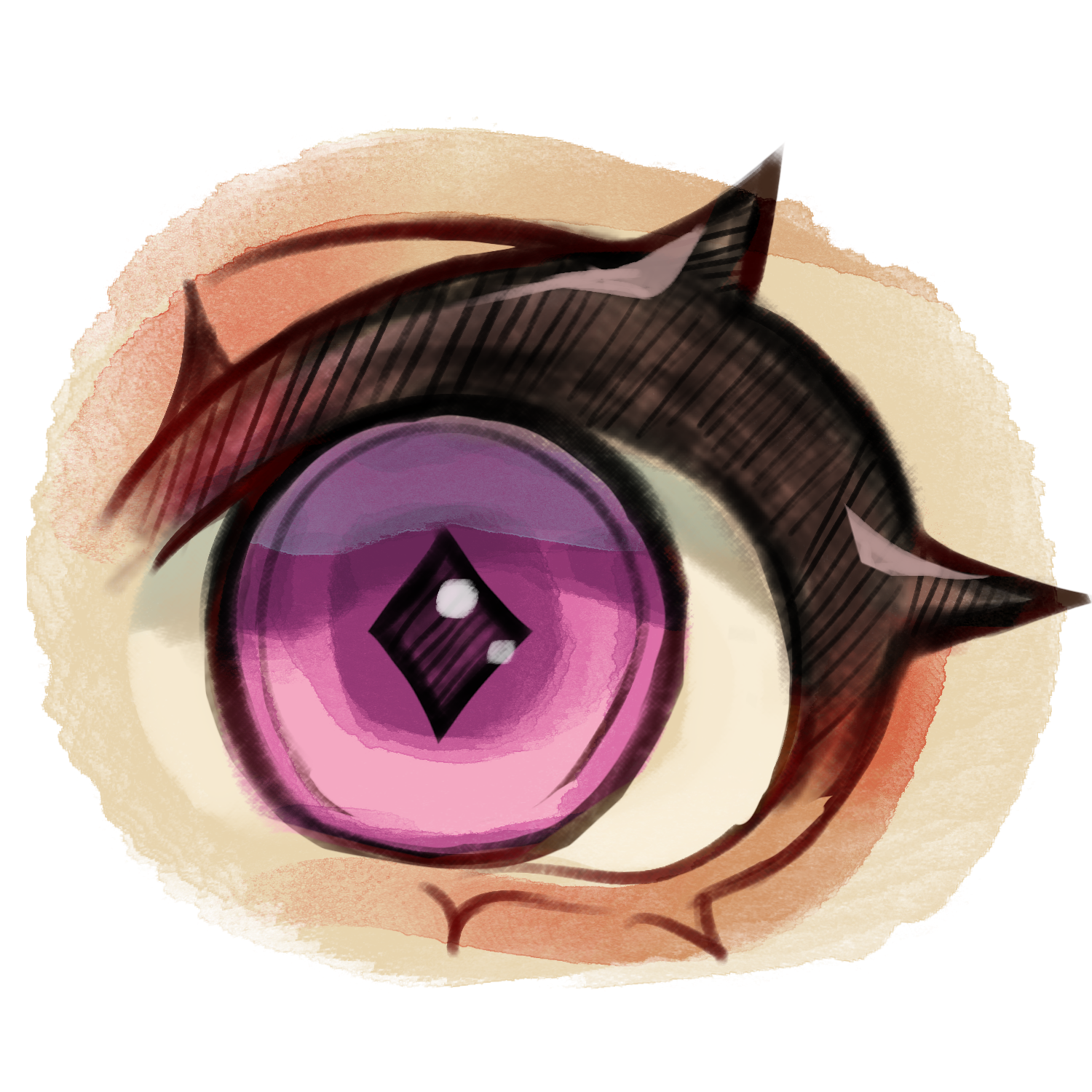
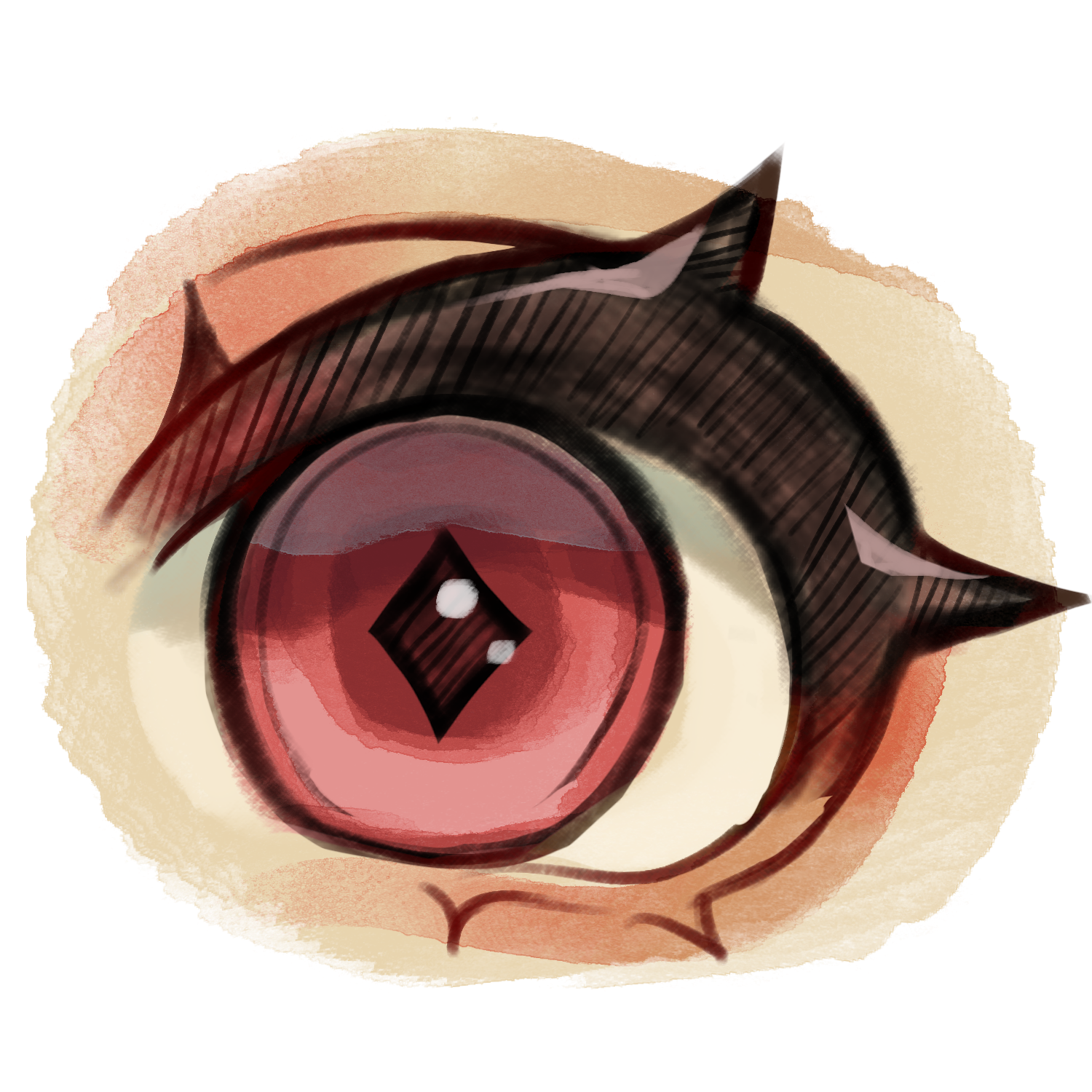
Give your Bloomkin some fresh eyes with these lenses!
Dye both or one eye.
20 Seeds
20 Seeds
20 Seeds
30 Seeds
20 Seeds
20 Seeds
20 Seeds
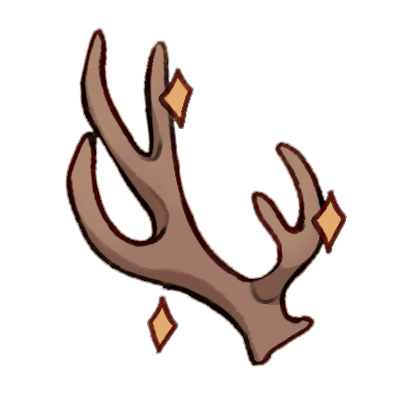
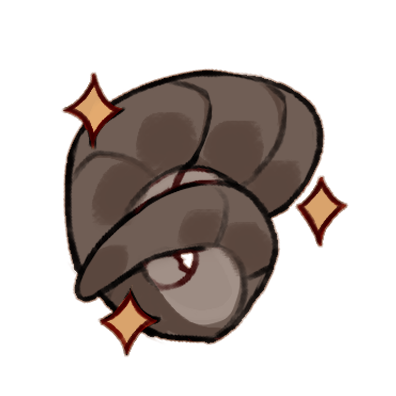
Add some extra attachments to your Bloomkin with these mods!
27 Seeds
27 Seeds
30 Seeds
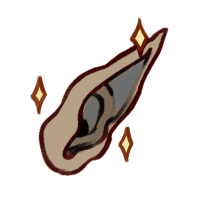
You'd like to give your Bloomkin a more unconventional skin color, this is the section for that!
50 Seeds
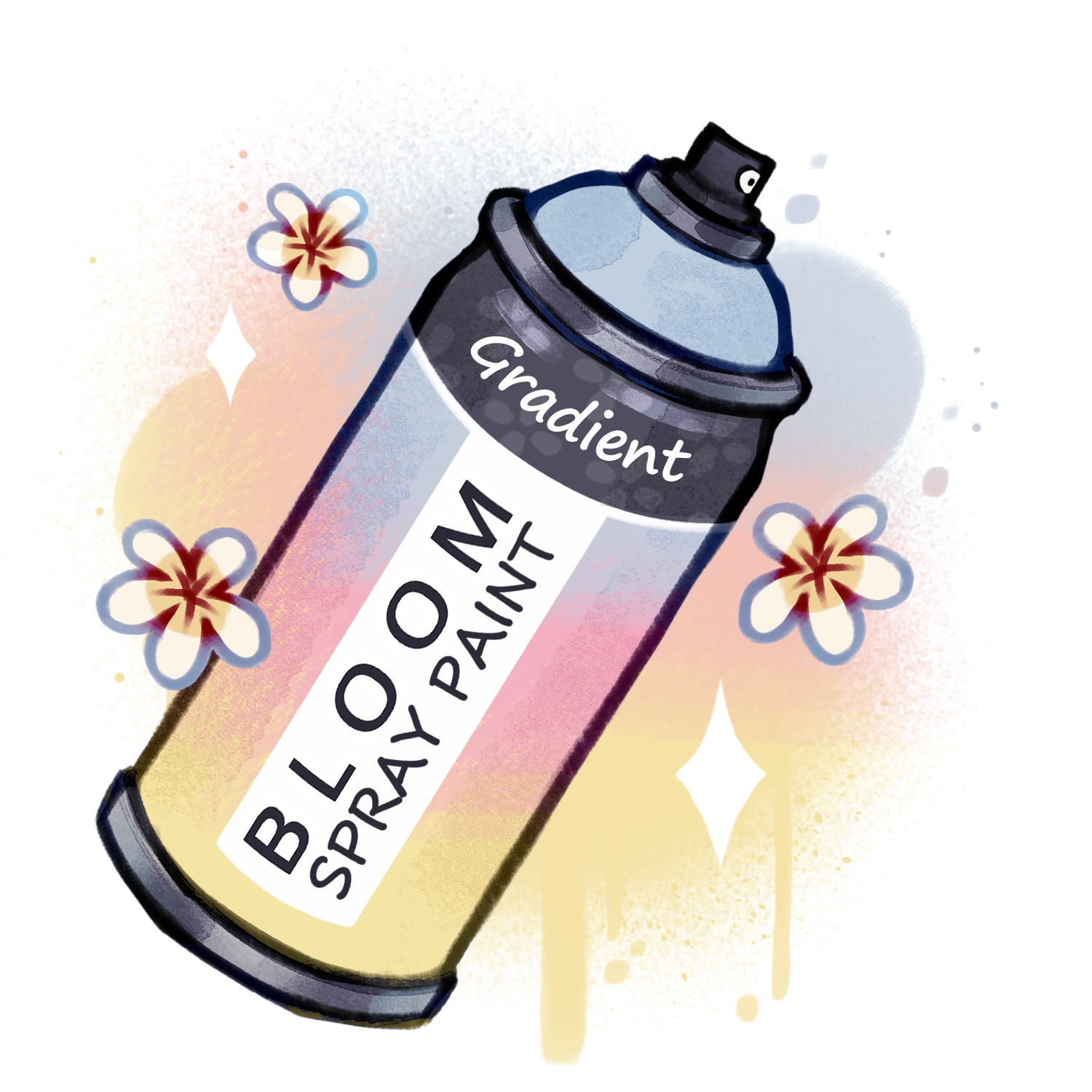
60 Seeds
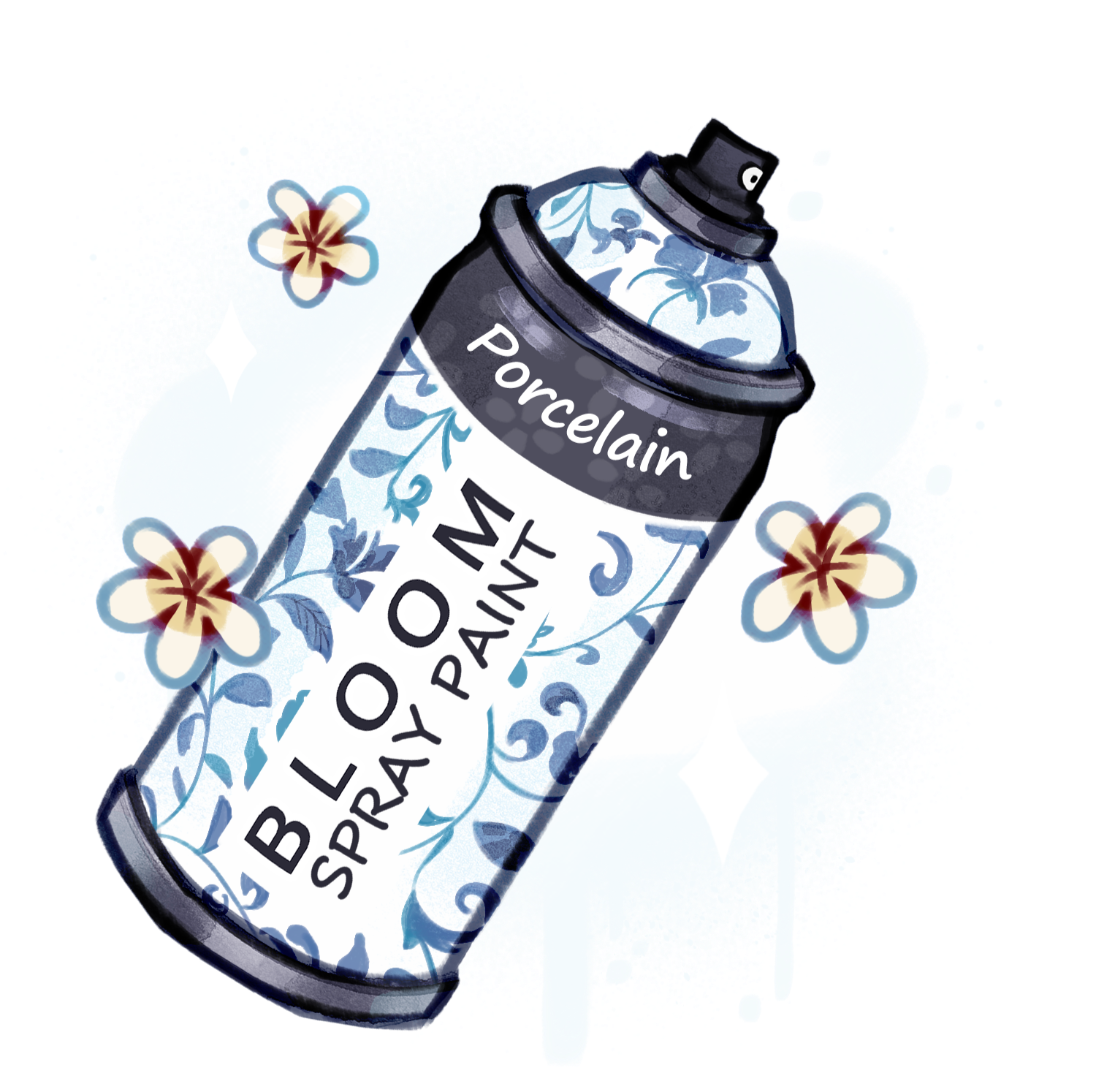
Want some more fabulous hair options. This is the place!
50 Seeds
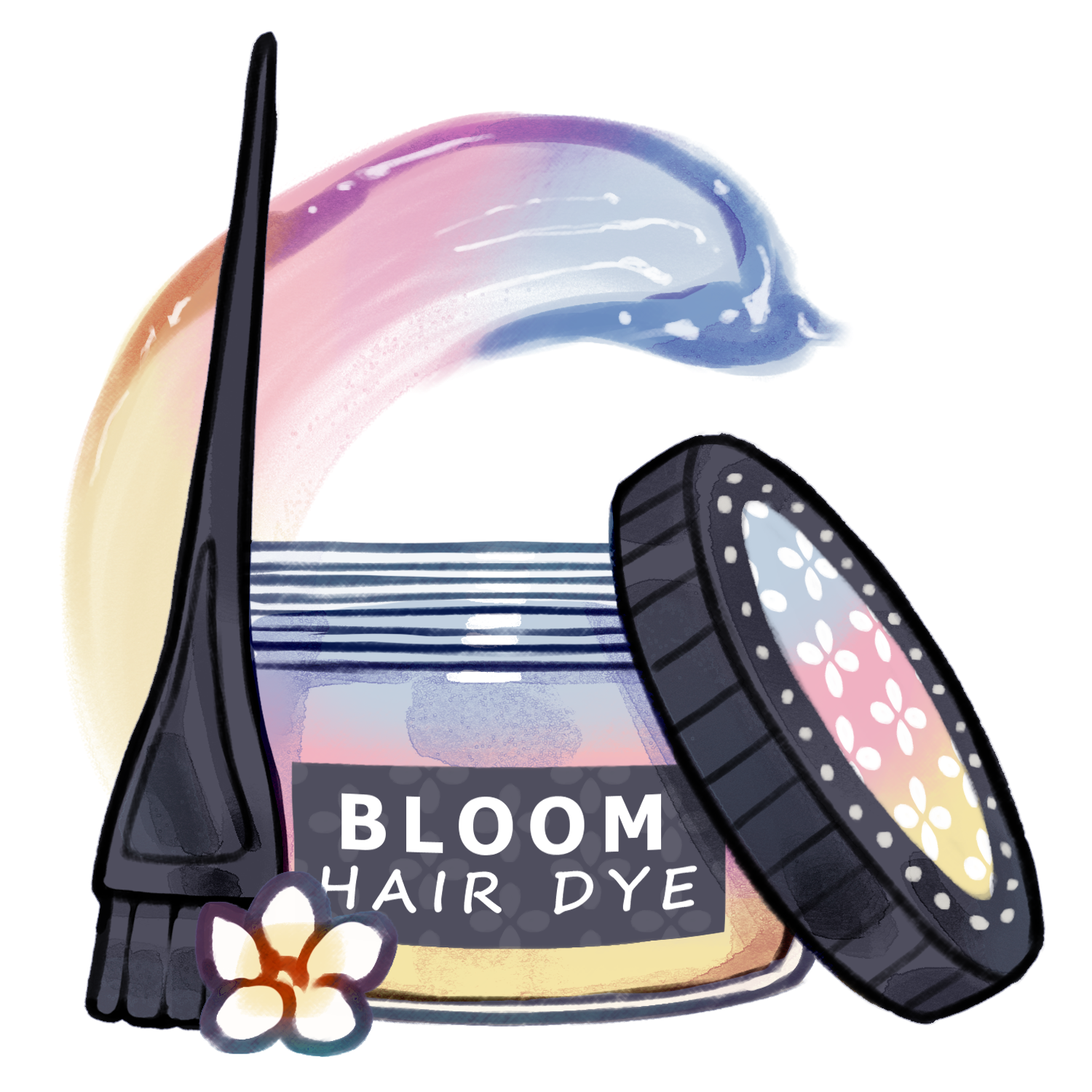
Give your Bloomkin some fresh eyes with these lenses!
Dye both or one eye.
50 Seeds
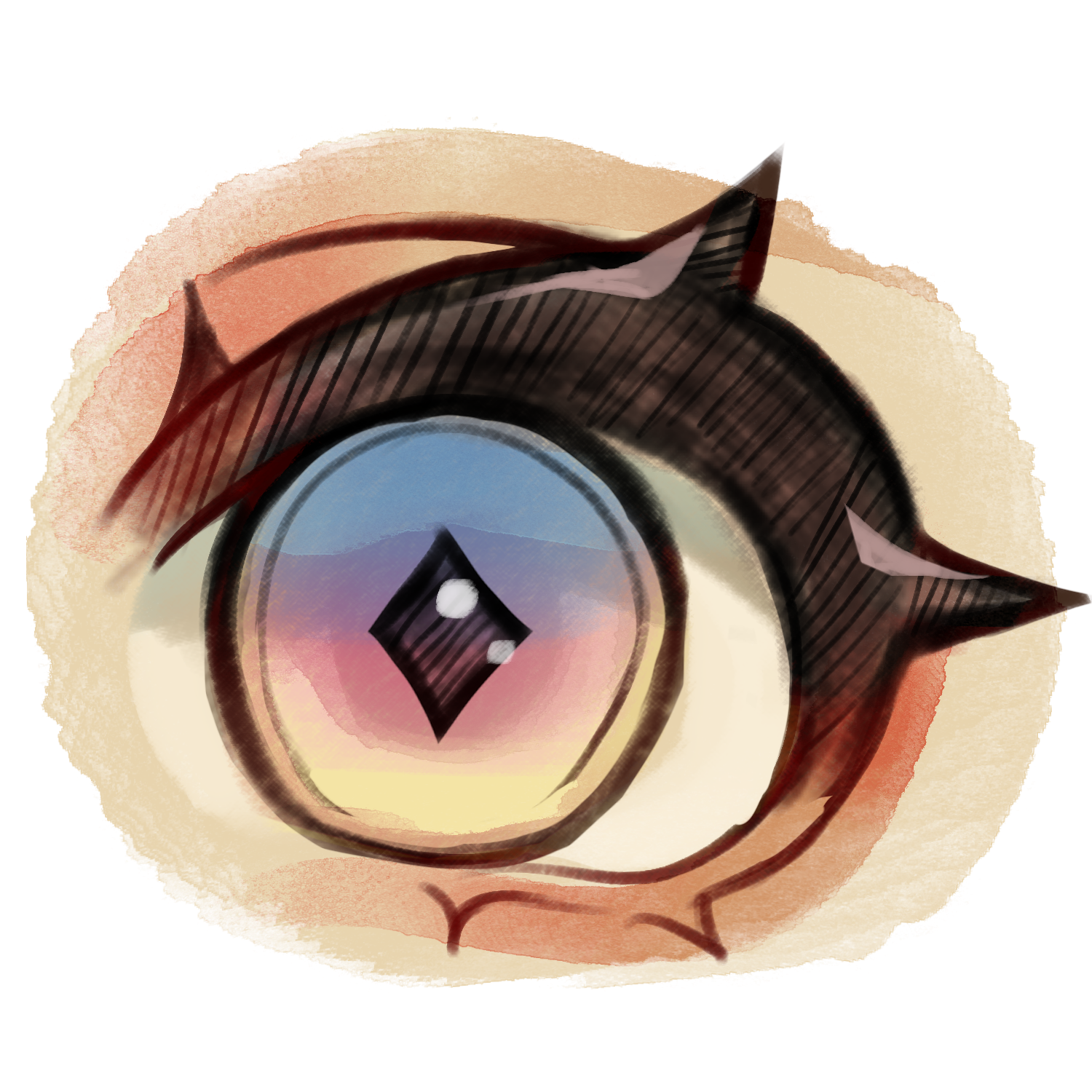
Add some extra attachments to your Bloomkin with these mods!
55 Seeds
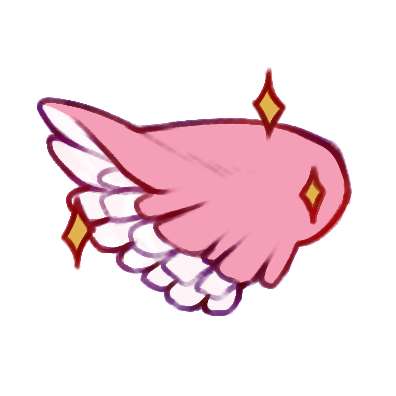
67 Seeds
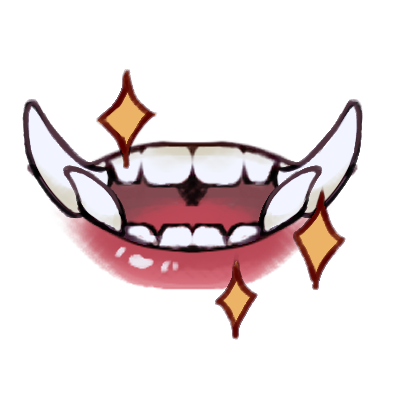
70 Seeds
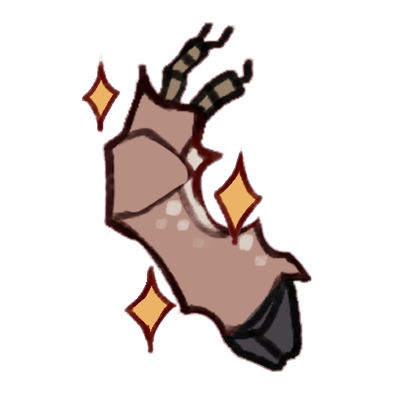
70 Seeds
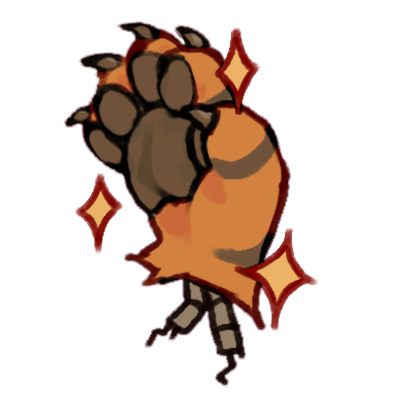
You'd like to give your Bloomkin a more unconventional skin color, this is the section for that!
90 Seeds
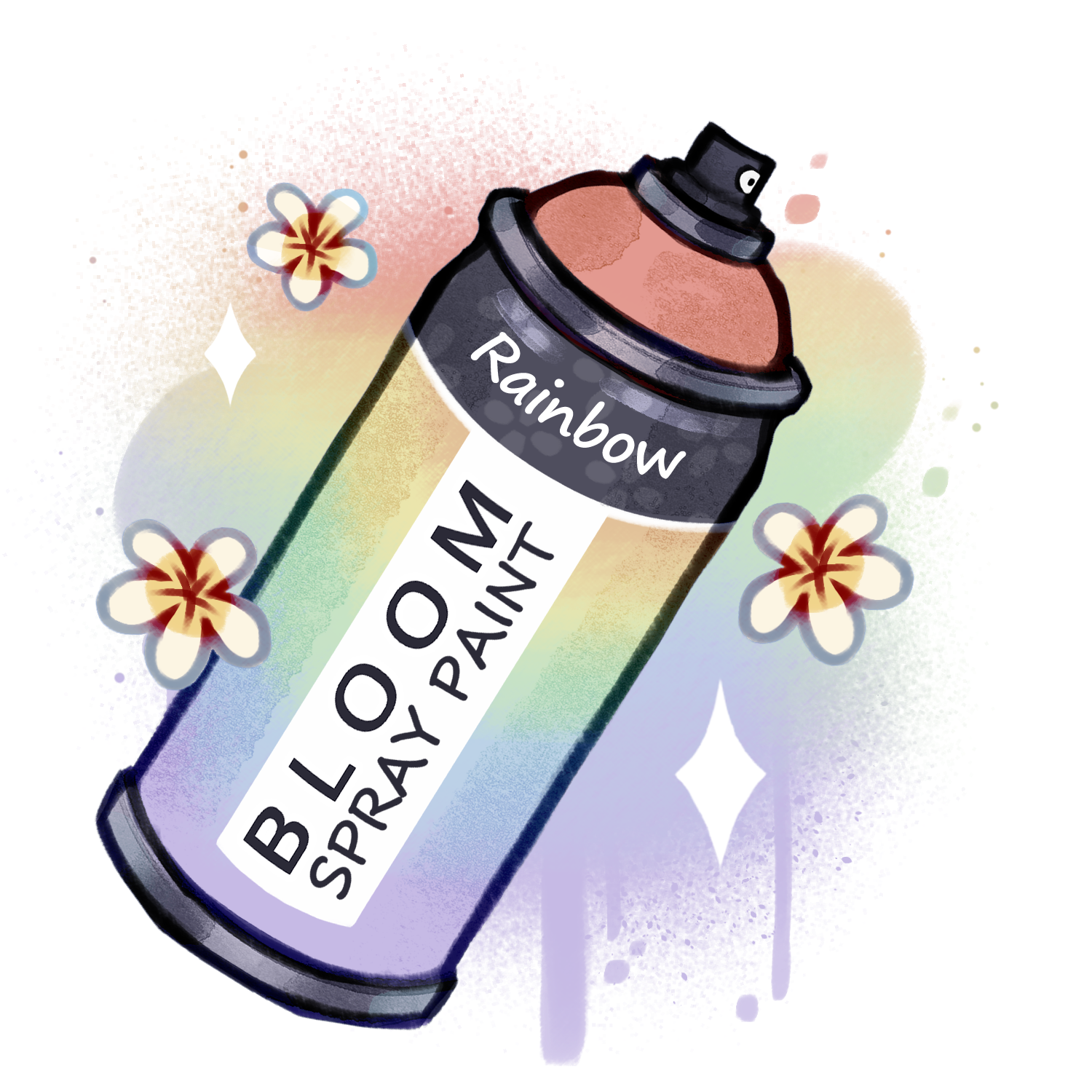
95 Seeds
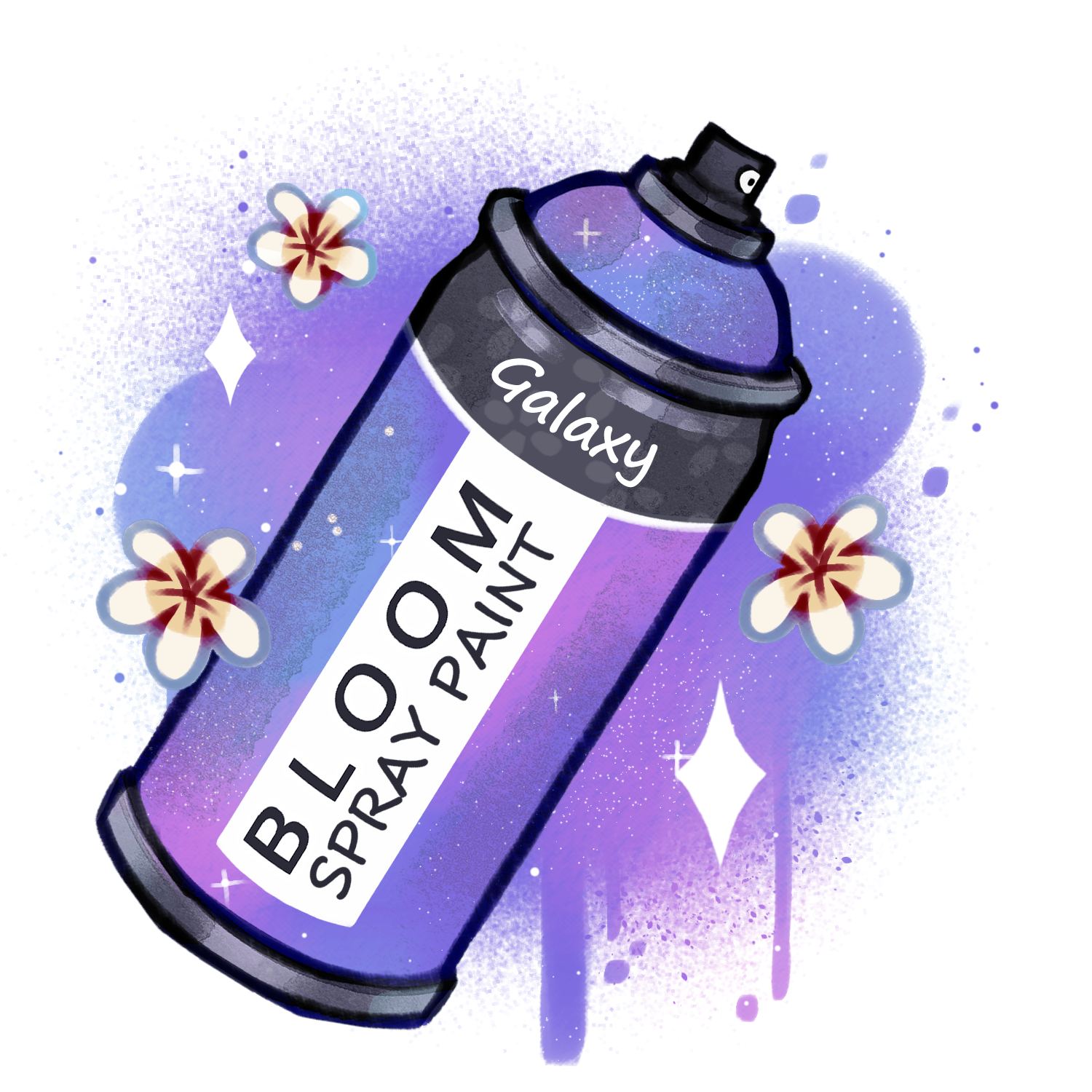
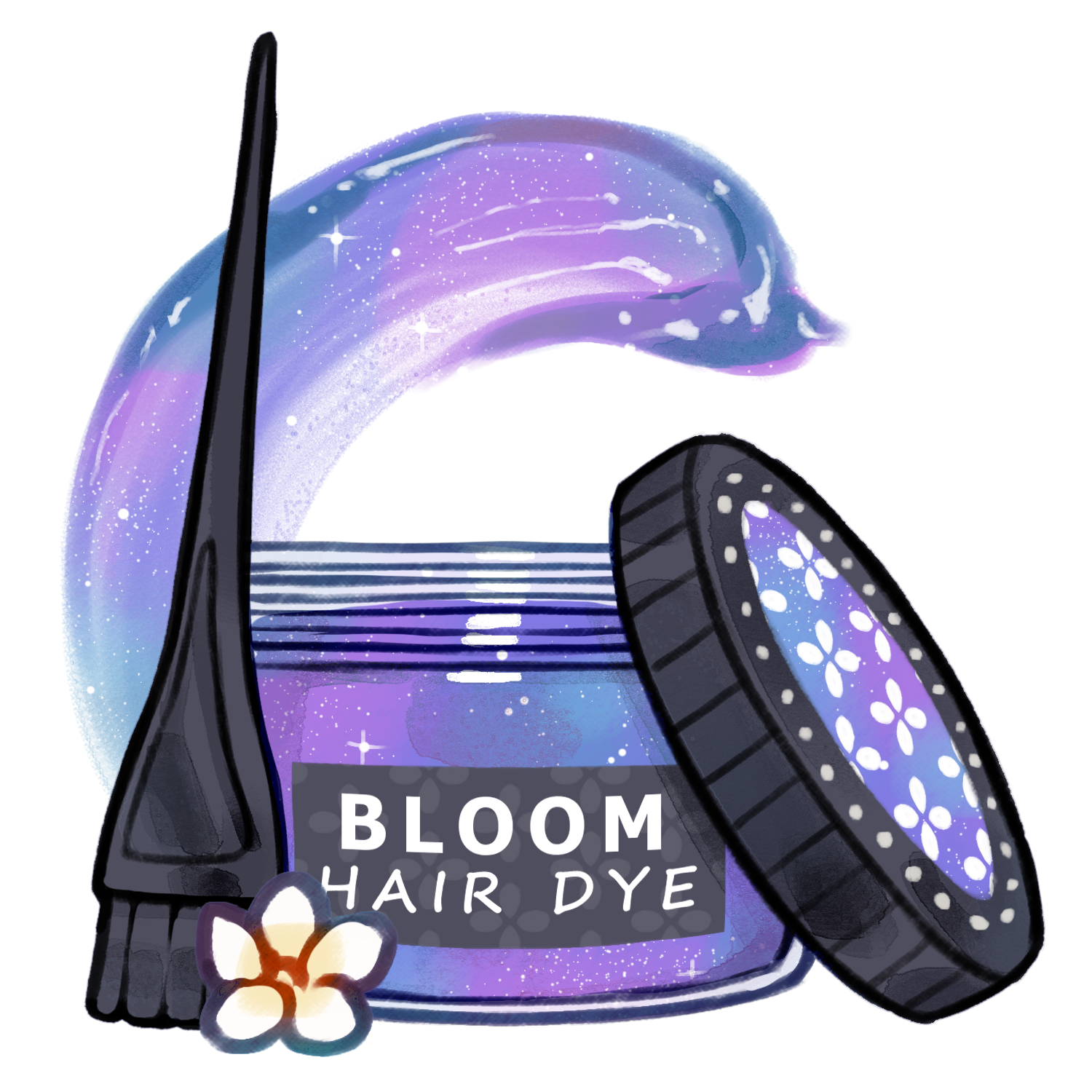
Want some more fabulous hair options. This is the place!
90 Seeds
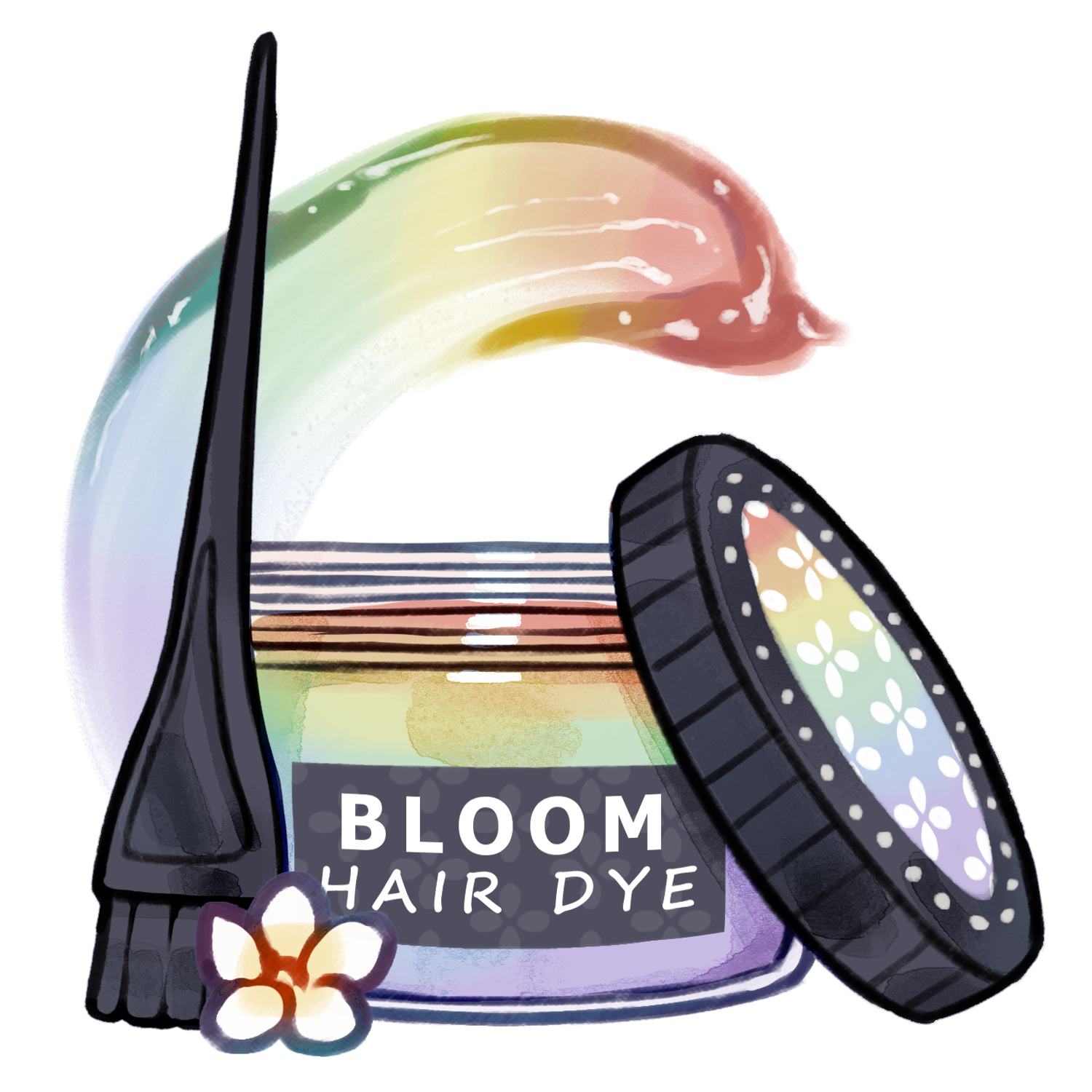
95 Seeds
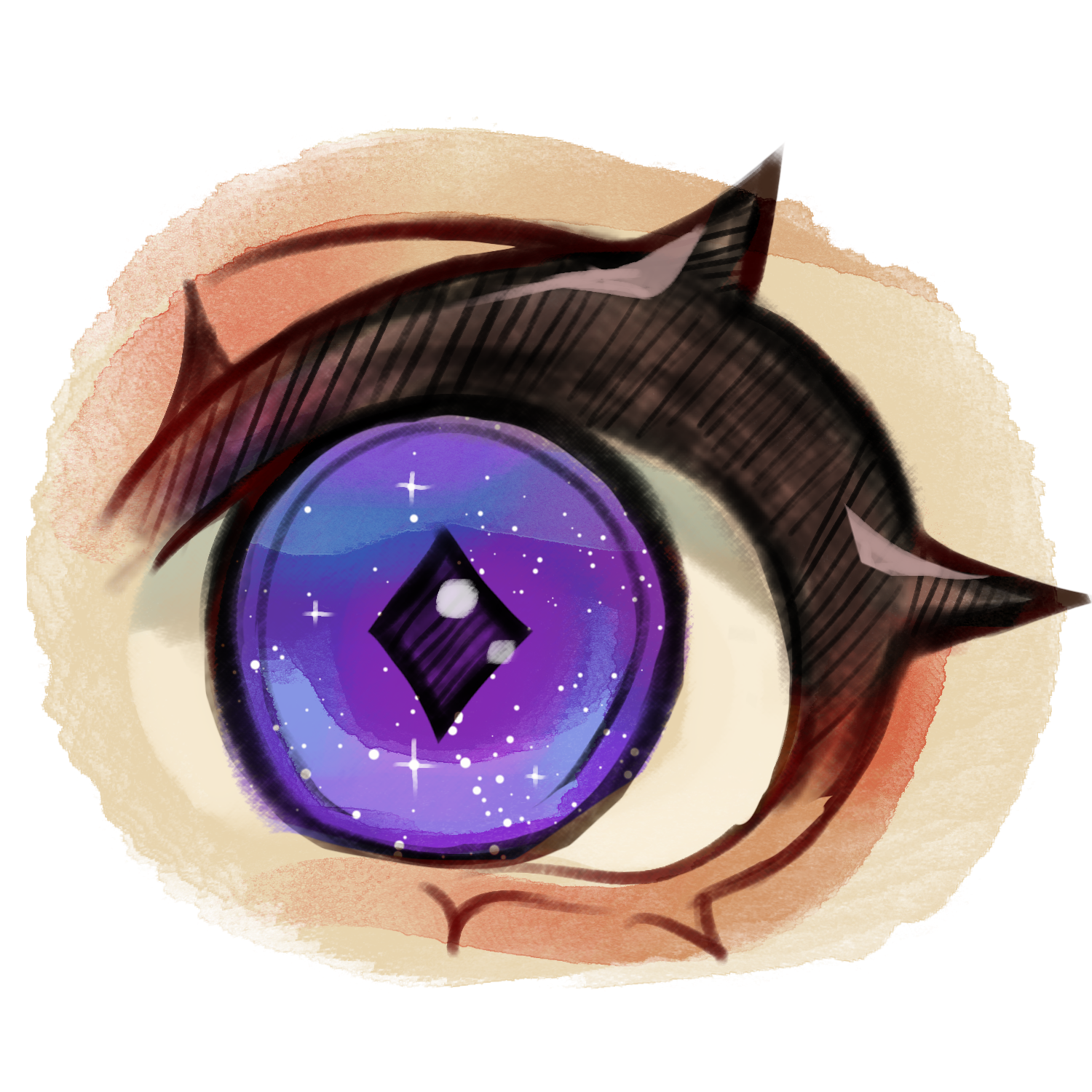
Give your Bloomkin some fresh eyes with these lenses!
Dye both or one eye.
90 Seeds
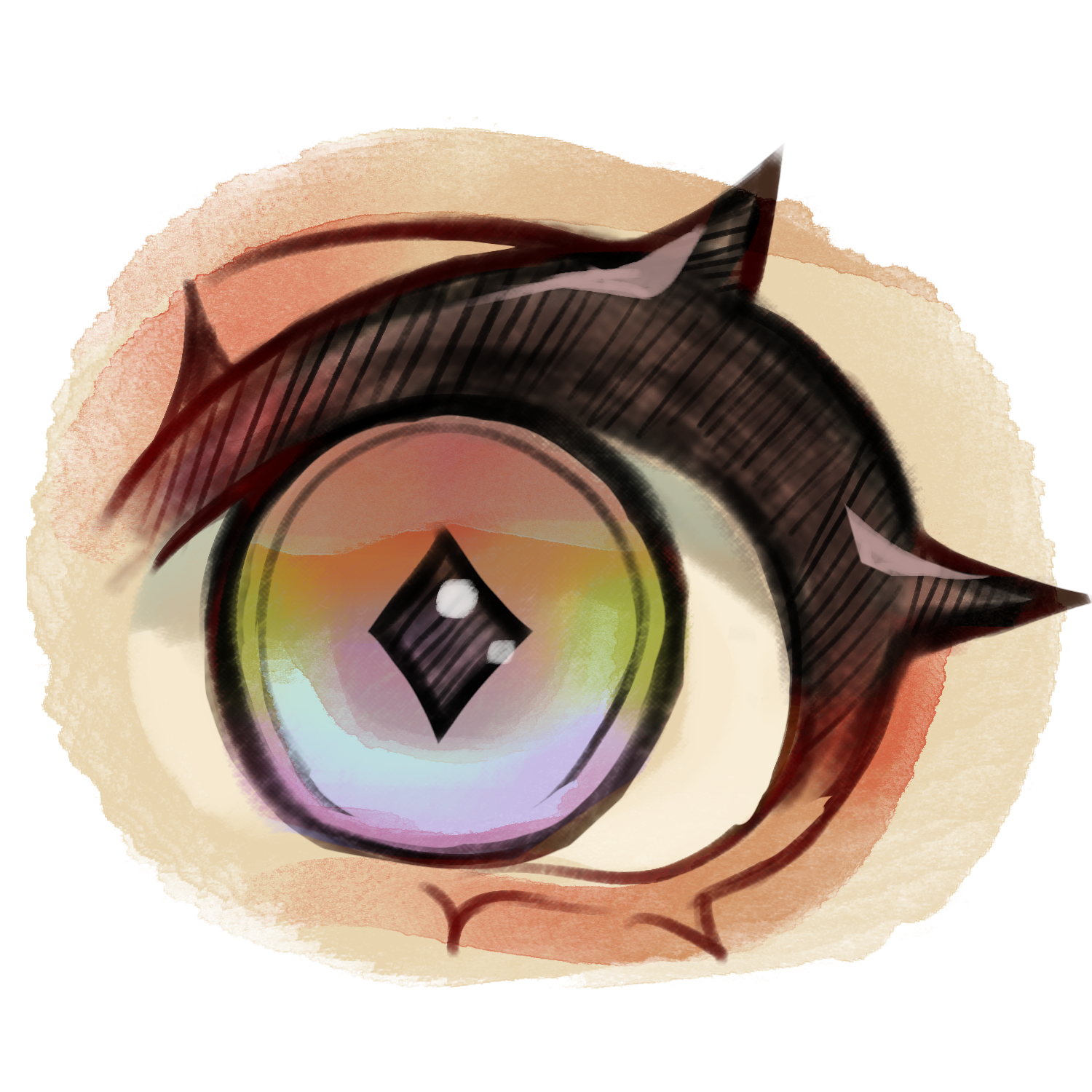
95 Seeds
Add some extra attachments to your Bloomkin with these mods!
106 Seeds
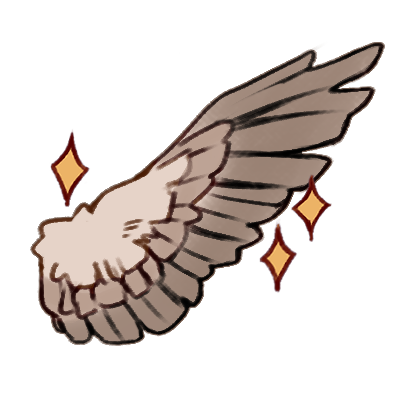
106 Seeds
108 Seeds
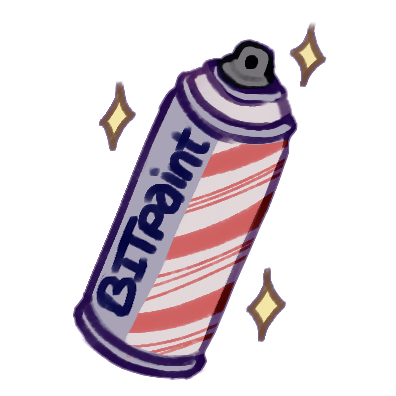
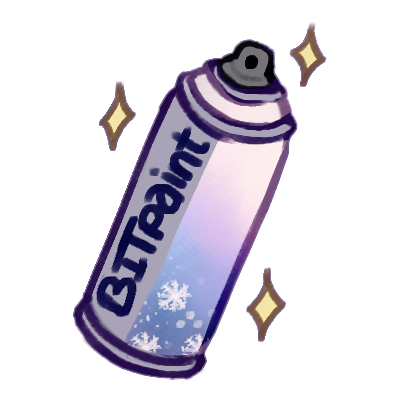
Paint your Mods a fresh new color with these options!
The Sprout Market
Welcome, to our general traits section. We hope you can find what you need.
40 Seeds
40 Seeds
40 Seeds
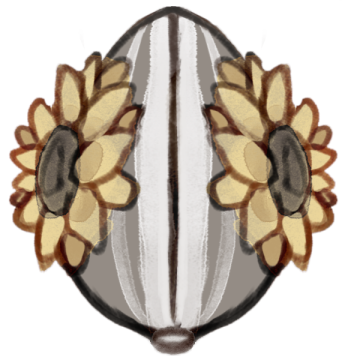
80 Seeds
80 Seeds
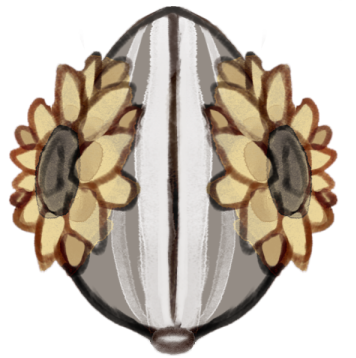
120 Seeds
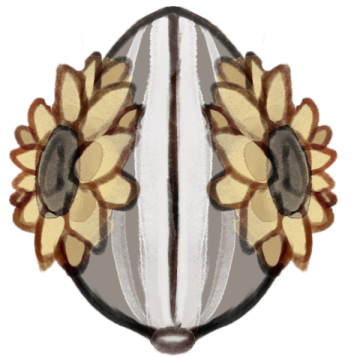
The Sprout Market
Welcome, to our general traits section. We hope you can find what you need.
40 Seeds
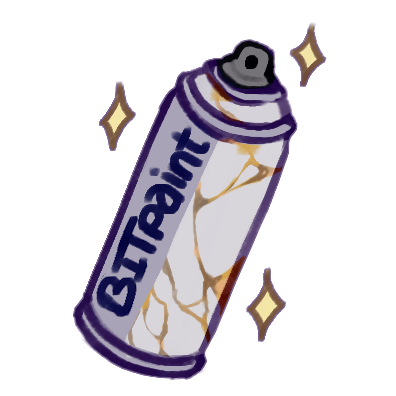
40 Seeds
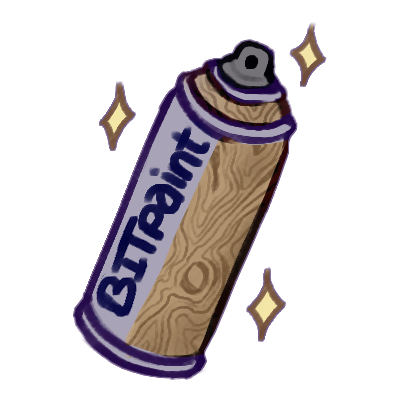
40 Seeds
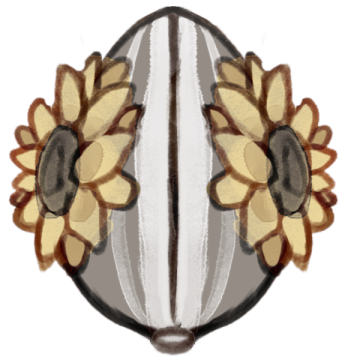
80 Seeds
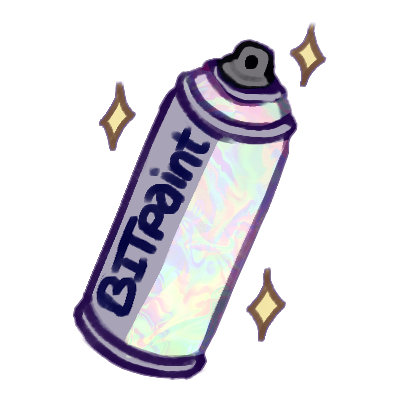
80 Seeds
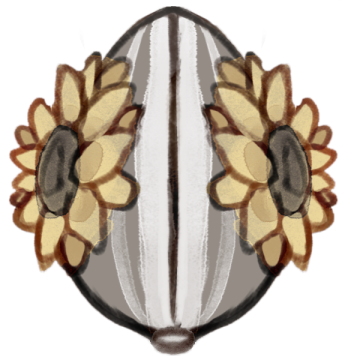
80 Seeds
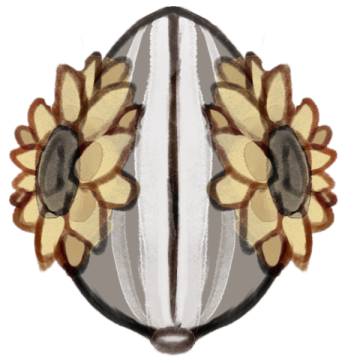
80 Seeds
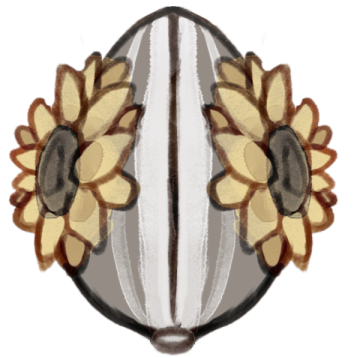
80 Seeds
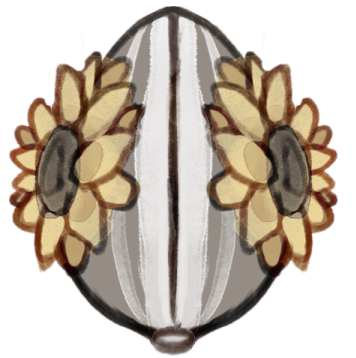
120 Seeds
The Sprout Market
Welcome, to our general traits section. We hope you can find what you need.
40 Seeds
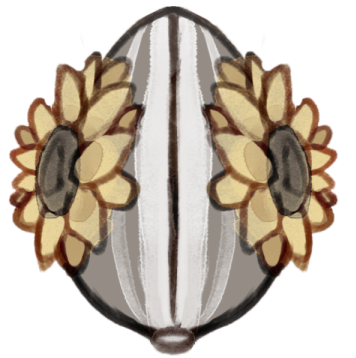
40 Seeds
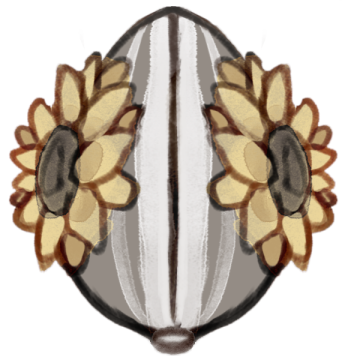
65 Seeds
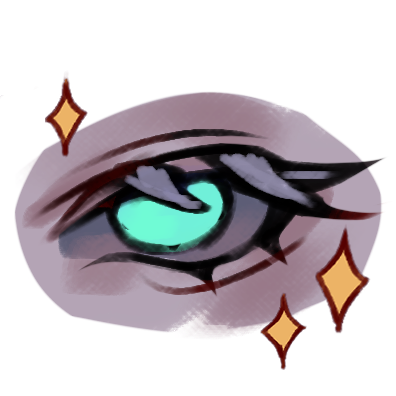
80 Seeds
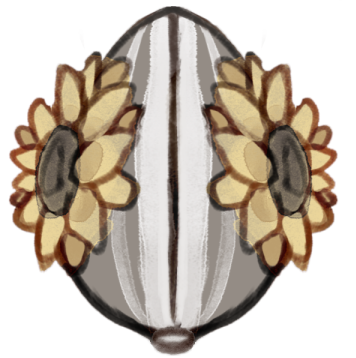
90 Seeds
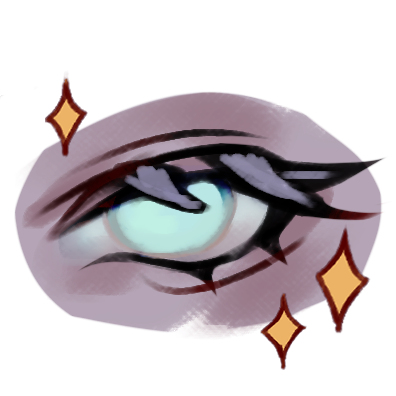
93 Seeds
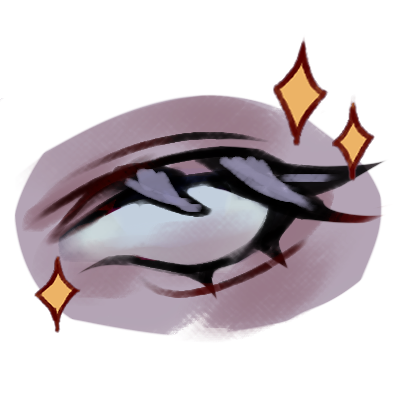
97 Seeds
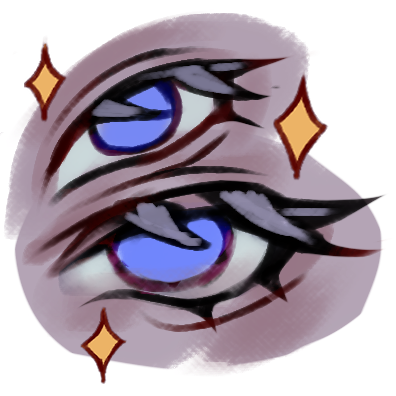
120 Seeds
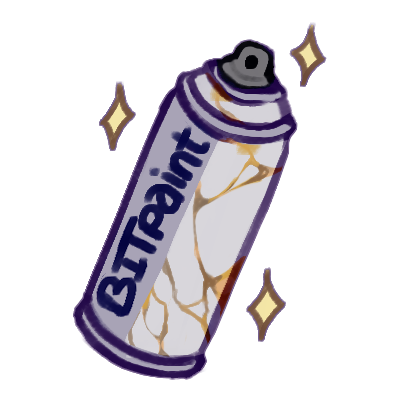
100 Seeds
The Sprout Market
Welcome, to our general traits section. We hope you can find what you need.
40 Seeds
40 Seeds
40 Seeds
40 Seeds
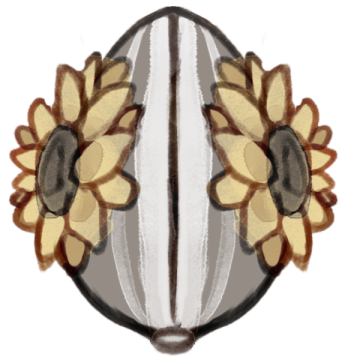
63 Seeds
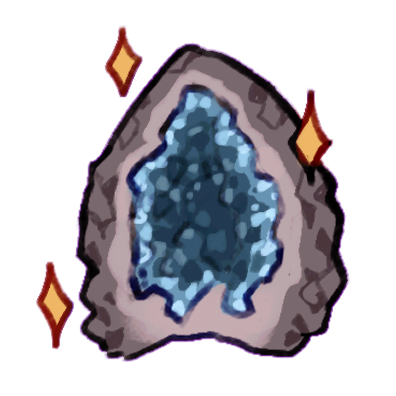
80 Seeds
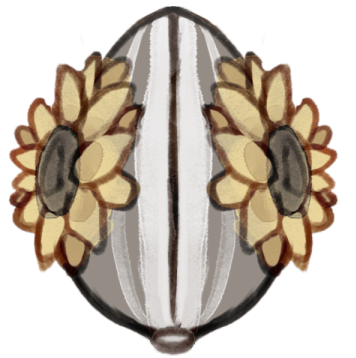
80 Seeds
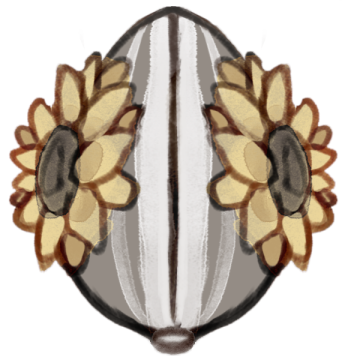
120 Seeds
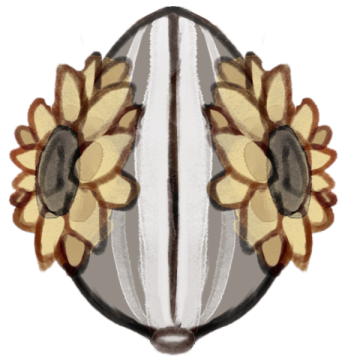
Special Mods
A selection of Mods/skins for you as Podcrafter to use in the event designs. When using the Mods, please make sure to design them for the current season.
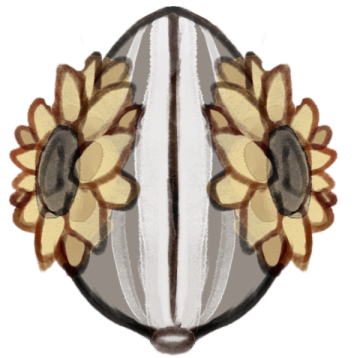
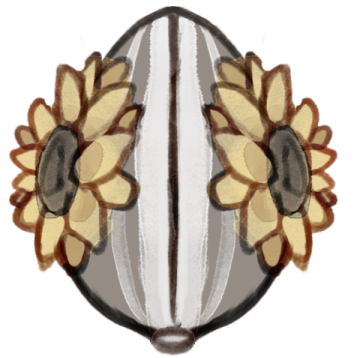
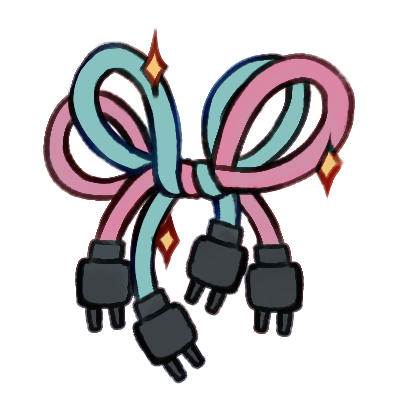
Secret Mods
A selection of Mods/skins for you as Podcrafter to use in the event designs. When using the Mods, please keep the current season in mind while creating the event design.
Bloom Notes
You're here because you have questions and we are here to answer them. If you can not find the answer you are looking for, please, feel free to ask us in the Community FAQ section!
Directory
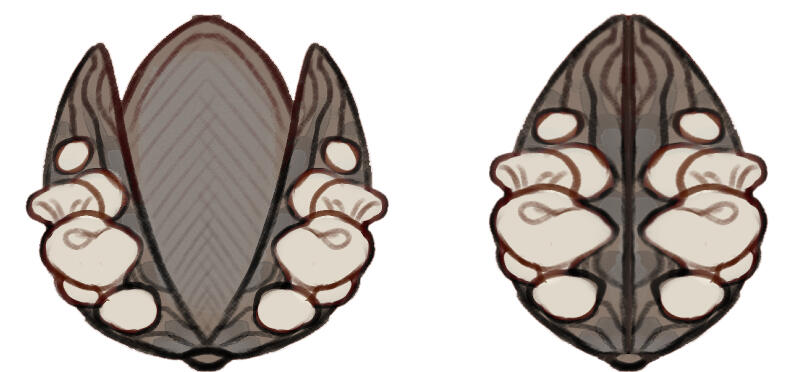
Bloomkins are small garden-helper androids, about 30–40 cm tall and designed to carry and plant seeds, spores, bulbs, or tubers right from their torso.Each Bloomkin has its own signature seed, which it uses to grow more plants and expand the garden.They arrive in a Bloompod, shaped like its seed, bulb, or tuber and decorated with the species’ signature flower. For Shroomkins the BloomPod is usually eggshaped and textured like wood and then decorated with their signature mushroom. This makes it easy to see the type at a glance.You can think of them like tiny gacha-style dress-up dolls with a botanical twist.
Types of Bloomkins
Bloomkins come in several types, each carrying a different plant:
⚬ Original Bloomkin Carries a flower seed and is decorated with flowers.⚬ Shroomkin Carries a mushroom and is decorated with mushrooms.⚬ Cropkin Carries vegetable seeds and is decorated with vegetables and flowers.⚬ Pomkin Carries fruit seeds and is decorated with fruits and flowers.⚬ Marshkin Carries pond plant seeds and is decorated with flowers like lotus or water lilies. (Always aquatic)⚬ Sapkin Carries seeds that turn into small sapling from different trees. Decorated with nuts and resin.
Semi-Open Species
Bloomkins are a semi-open species.
You start with a common Bloomkin (or another kin type) and can upgrade it through participation in community events. You earn seeds, bulbs, mods, designs, items, and outfits.The Bloomkin rarity tiers:
▸ Common▸ Uncommon▸ Rare▸ Super Rare▸Legendary▸ Mythic
Most rarities are available through seeds, other rarities are only obtainable through special even adoptables or events.
There is no real money required to get to even the highest rarities.
Designed for Customization
Bloomkins are meant to be modified and personalized. Everyone uses the same base file with separate layers for body, skin, hair, and eyes. This makes it simple to:
⚬ Apply shared outfits, mods, and paints to any Bloomkin.⚬ Easily update your Bloomkin with new items you’ve earned or purchased.
All customizations are grouped into six sections:
1. Skins Dye your Bloomkin’s body with colors and patterns.2. Dye change your Bloomkin’s hair color.3. Lenses Modify eyes, including sclera, pupils, and irises.4. Mods Add completely new features, like wings, sprinklers, or snowglobes.5. Paints Apply colors to mods for more personalization.6. Essence Fill their ears and tail with more than just flowers and leaves.
Seasonal Items
Every new season unlocks a festival tab, letting you earn limited-time items for your Bloomkin. These items are seasonal and help you decorate your Bloomkin with holiday flair.
Seeds and Bulbs
⚬ Seeds Common currency, earned from almost every event to buy items.⚬ Bulbs Very rare, used to acquire the rarest mods and items.
Real Money
The only time real money comes into play is if you want to support the artists who create special limited-edition designs, or commission a custom mod for your Bloomkin. Otherwise, all upgrades and rare items can be earned through participation.
So You are looking to get your hands on your very first Bloomkin, or one of its friends? Read on to learn how to get to that point!
How to obtain a Bloomkin?
1. Join the Community
Begin by joining our community through the button above. This grants you access to the BloomHub.
2. Download the Free Base
Inside the BloomHub, you’ll find the free Bloomkin base. Using the free traits, you can create your very first Bloomkin or any of the available kin types.
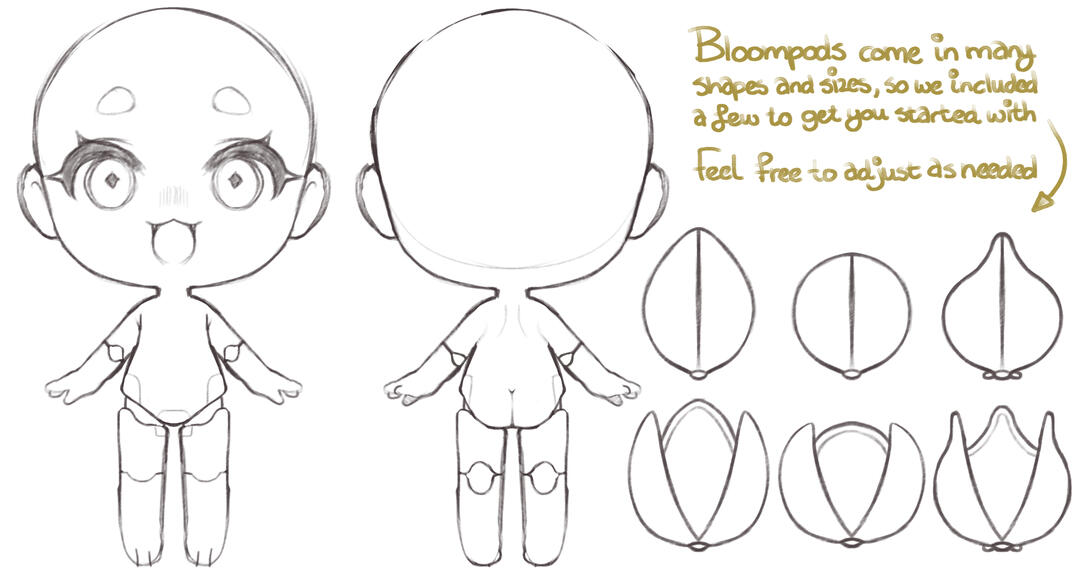
If you use harder pens than the base style, feel free to trace the base with your preferred pens or copy/paste the base enough times till it become more solid and combine the layers.
Each Bloomkin should match its species’ plant or fungi.
3. Design Your Bloomkin
Using the base and the free traits you can find in the Bloom-guide, design your Bloomkin’s appearance, colors, and traits. Each one is unique, so feel free to experiment and make it truly yours.
Make sure to seperate your layers following the how-to seperate guide
If you can not find a reference for the seed of the flower you're using, try your hand on creating one yourself.
4. Create a Bloompod
Every Bloomkin arrives inside a Bloompod. When designing yours, keep the following in mind:
⚬ The pod’s shape should reflect the natural form of the seed, bulb, or tuber of your chosen plant.⚬ Pods are most often round or egg-shaped, but other natural shapes are welcome when accurate.⚬ Each pod opens in three segments.⚬ Each segment is decorated with a single matching flower/mushroom, unless the plant naturally grows in clusters.⚬ The pod’s color and texture should resemble the seed/bulb/tuber it contains.⚬ For Shroomkins, the default Bloompod shape is round or oval with a soft, woody texture, inspired by natural fungal forms.
5. Submit for Approval
Once you’ve finished designing your Bloomkin and Bloompod, filll out the form inside the BloomHub and wait for approval. This helps us ensure all designs follow the species guidelines and stay consistent within the Bloomkin world.
After approval, you will receive the Gardener role, granting access to Gardener-only channels, including event spaces, community areas, and exclusive activities.
Double-check designs before submitting for approval.
6. Official Registration
Once approved, your Bloomkin will be officially registered in the BloomHub, and you will receive your personal Seed Satchel.This unlocks full participation and allows you to:
⚬ Join events⚬ Earn and spend Seeds⚬ Collect Mods and Skins⚬ Modify your Bloomkin⚬ Trade with other Gardeners⚬ Access future features and content
Want your personally designed Bloomkin to participate in events, apply mods, and receive updates later on?
Then your design needs to be properly separated in a layered .PSD file.Don’t worry, it’s easier than it sounds. We’ll walk you through how the file should be structured.For this example we’ll be using REIZOMA’s layer structure.
Your file does not have to match it exactly. Every artist organizes a little differently.What matters is that your file is separated in a similar and logical way, so parts can be edited later.
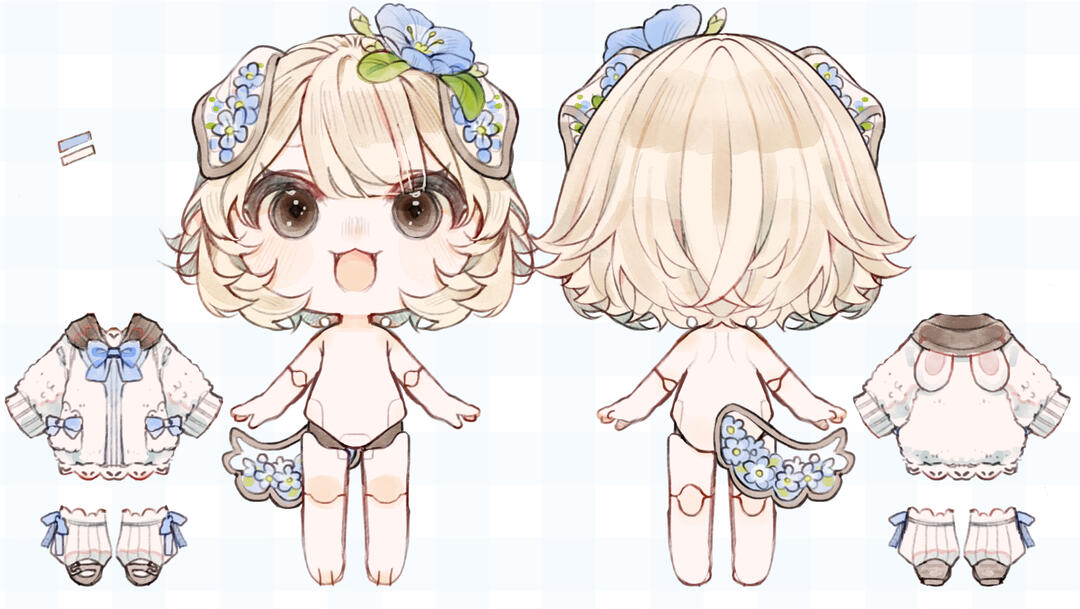
1. Main File Structure
Your .PSD file should contain three main sections:
▸ Back Folder▸ Front Folder▸ Bloompod (Open and closed)
(single layer)
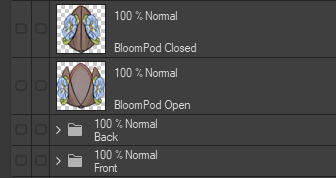
The Back and Front folders contain the actual Bloomkin artwork while the Bloompod is usually kept as its own layer.
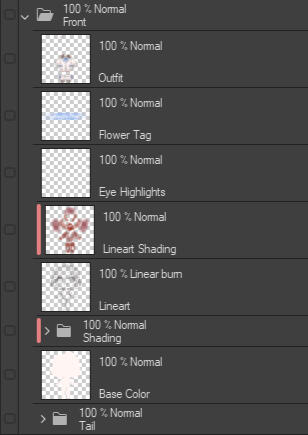
2. Inside the Front Folder
To understand how the file works, let’s look at the Front Folder as an example.Your layers should generally be organized from bottom to top like this:
▸ Tail Folder (Kept separate)
▸ Base Coloring
▸ Shading Folder (clipped to the base)
▸ Line-art
▸ Line-art Coloring (clipped)
▸ Eye Highlights
▸ Flower Tag (Identification)
▸ Outfit (single layer)
The idea here is simple:Base ▸ Shading ▸ DetailsThis allows artists to easily edit colors, apply mods, or adjust parts later without damaging the rest of the design.
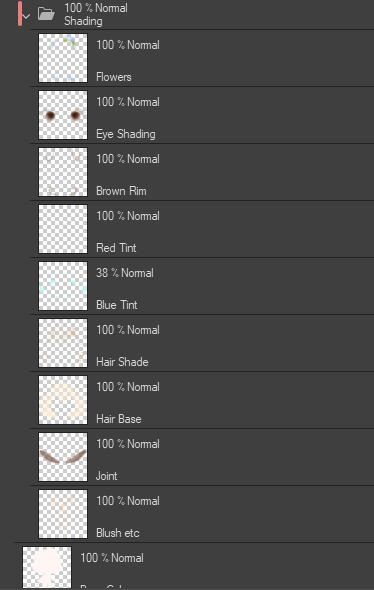
3. Inside the Shading Folder
The Shading Folder contains smaller shading elements used throughout the design.Again, these are organized from bottom to top.
▸ Blush
▸ Joints (the visible hip joints)
▸ Hair Base
▸ Hair Shading
▸ Blue Tint
▸ Red Tint
▸ Brown Rim (the glass ear rim)
▸ Eye Color & Shading
▸ Flowers (single layer)
Some artists separate eye color, shading, and highlights into different layers.Others keep them together. Both methods are fine as long as the eyes remain editable.
4. Designing Outfits
Outfits are separate items in the Bloomkin system. They can be traded, won in events, or reused on other Bloomkins, so they need to be designed in a way that keeps them flexible.Because of this, outfits must be drawn as a complete piece first.When designing an outfit, imagine the Bloomkin without hair, tail, or accessories. Create the outfit as a fully intact design, without cutting pieces away to fit the character yet.This version becomes the clean outfit file.
Step 1: Create the Full Outfit
Design the outfit as if it were a clothing item in a catalog.It should be fully complete, with no missing parts hidden behind hair, tails, or other features. This allows the outfit to be reused on other Bloomkins later.Keep this version safe and unchanged.
Step 2: Create the Character Version
Once the outfit is finished, make a copy of the outfit layer.Use this copied version to fit the outfit to your Bloomkin by erasing areas where:
▸ Hair falls over the clothing
▸ Other body parts naturally cover the clothing
This creates the dressed character version used in the final artwork.
5. The Main Idea
The goal is simply to organize your file in a way that makes edits easy later.Most parts follow the same structure:Base Color ▸ Shading ▸ Highlights (if used)Things like flowers, outfits, and accessories are usually kept as single layers, since they may be swapped out later.As long as your file follows a clear layered structure like this, your Bloomkin will be ready to participate in events and receive updates.
6. Important
Keep in mind that these are for personal .PSD files only. Adoptable's work a little different for the safety of the artists, but you're own design can be modded as much as you want.
You got yourself the handy-dandy Seed Satchel. What is it for? Read on to find out:
1. Accessing Your Satchel
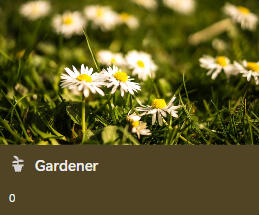
When you open the Seed Satchel, you’ll first see a bunch of preview images from different gardeners. To find your own, use the ⌕ on the top right side to find your username and click on your personal card. This will open your Seed Satchel so you can see everything inside.
2. Seed Log
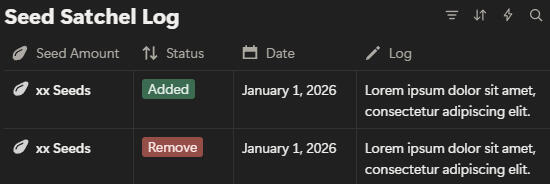
Inside your Satchel, the first thing you’ll find is your Seed Satchel log. This is where you can track all your Seed and Bulb activity: what you’ve earned, what you’ve spent, and when.For example:
⚬ You earn 10 Seeds for submitting a sketch.⚬ You spend 20 Seeds on a new Mod for your Bloomkin.
Every transaction is recorded here, so you’ll always know exactly how many Seeds you have.Cultivators keep the Satchels updated, so you can trust the numbers are accurate. This helps you plan what to buy next or which events to join without any confusion.
3. Your Bloomkin Collection
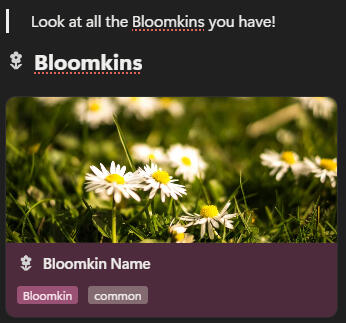
Next, you’ll see all the Bloomkins you’ve registered. Clicking on one will show you:
⚬ Type What kind of Bloomkin it is.⚬ Rarity Common, rare, or special.⚬ Date Registered When you added it to your collection.⚬ Modifications Each Mod or Skin applied, along with its rarity and the date it was added
This lets you keep track of your Bloomkins’ growth, see which ones are customized, and easily reference your collection for events or trades.
4. Stash
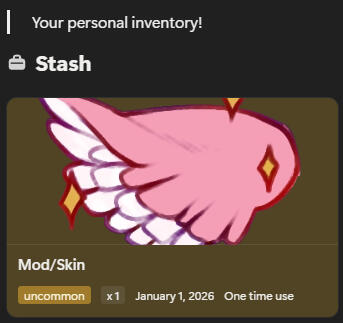
Finally, your Stash contains all your unused Mods and Skins. Here you can see exactly what you have, how many copies, and their rarity.This makes it easy to plan upgrades, trade, or decide what to use in an upcoming event.Think of your Seed Satchel as your personal dashboard: it keeps your Seeds, Bloomkins, and Mods organized, so you can focus on having fun and growing your garden!
If something looks off, contact a Cultivator for help.
Your Bloomkin has been registered, you received your Seed Satchel and are ready to participate in events. Congratulations! What now? Let us explain:
Participating in Events
1. Find an Event
Events are hosted by Cultivators in the Festival Grounds channels. They can range from monthly prompts to Adoptable Events featuring Podcrafters, the Bloomkin world’s assigned artists. Check the channel often so you don’t miss new challenges!
2. Prepare Your Submission
Create your entry following the event’s theme and requirements. The more care and creativity you put in, the more Seeds and Bulbs you can earn!
3. Submit Your Entry
Post your finished work in the #✿harvest-fair channel. Make sure your submission follows the guidelines so it can be approved quickly.
Even a quick sketch counts, don’t be afraid to submit!
4. Earn Seeds, Bulbs and Rewards
⚬ Low-effort submissions:
sketches, rough ideasFiller---------10 Seeds⚬ High-effort bonus
(Polished submission*)Filler ------ +10 Seeds⚬ Event winner
(if applicable)Filler -------------- +25 Seeds
Some events also offer exclusive Mods, Dye's, Paints, Lenses or Skins, and surprise events may include unique or limited-time designs that can’t be earned elsewhere.
Polished Submissions
A polished submission is one that goes beyond the rough sketch stage. It doesn’t have to be perfect, it just shows extra care in presentation. Examples include:⚬ Cleaned-up lines with minimal stray marks⚬ Fully or mostly colored artwork⚬ Attention to composition or details⚬ Thoughtful finishing touches that make your entry look completeRemember, it’s about effort and clarity, not skill level. Even simpler styles can earn the bonus if the entry is tidy, intentional, and finished.
5. Get Reviewed and Rewarded
A Cultivator will check your submission and mark it as seen with a sunflower emote. They will also add the appropriate Seed emotes and/ or Bulb emotes to show how many Seeds you’ve earned. Once awarded, the Seeds/Bulbs are added to your Seed Satchel and logged for your collection.
6. Enjoy Your Rewards
Collecting Seeds, Bulbs and event prizes helps you customize and upgrade your Bloomkins, making your companions truly unique. Keep track of your progress, plan upgrades, and join future events to continue growing your garden!
Note: Surprise events pop up without warning—keep an eye on the channels so you don’t miss rare rewards and special Bloomkins!
You bought a Mod. Now what? Let’s walk you through the process.
Modding your personal Bloomkin
Buying a Mod is only the first step. To make it official, your Bloomkin must be properly edited and approved on the official Bloomkin base. Whether you mod your Bloomkin yourself or commission someone else, the process always follows the same structure.Buy▸Design▸Submit▸Approve▸Done
1. Choose How You Want to Mod
You have two options when it comes to modding your Bloomkin:
Option A: Mod It Yourself
If the design is yours and you own the .PSD files, you can design and apply your Mod yourself using your already designed kin-type on the already existing base.
Always work in a separate folder for each Mod to keep the original safe.
Option B: Commission a Podcrafter or Cultivator
If you don’t want to edit the files yourself, commission a Podcrafter or Cultivator to install the Mod for you.Artists may request a small fee depending on:
⚬ Complexity⚬ Time investment⚬ Communication needed
Simple adjustments like changing eye, hair, or skin color usually come with small fees, while larger custom Mods may cost more. All pricing should always be discussed beforehand.
You do not have to give the Podcrafter or Cultivator your .PSD. They can design eyes, skin or hair colors on their own base and hand it over once done for you to layer over yours.
2. How to Mod Your Bloomkin
To make sure Bloomkins bases are and stay easy to use prepare it as follows:
1. Open your Bloomkin’s .PSD file2. Make a new folder for your Mod.3. Draw the Mod on top of the existing design without it interacting with the base.4. Keep your layers organized and clearly named.5. Save your work as .PSD for later use.
3. Respect Event Designs
I f your Bloomkin comes from an event design or Podcrafter, you cannot change core traits like the skin, hair, and eyes. Please refrain from editing these yourself. Either ask the artist or leave them as is.Mods that are purely cosmetic add-ons and don’t alter your Bloomkin’s skin, hair, or eye colors don’t require permission from the original designer.
Ask for feedback if unsure. It’s better to get a quick review than redo later.
4. Get Your Design Approved
No matter who installs the Mod, have your design approved by a Cultivator before finalizing.When approved the Cultivator will update your Bloomkin in your Seed Satchel and log the changes in the designs log.
Modding your Adopted Bloomkin
Adopted Bloomkins have locked bases, hair, eyes, skin, and core features cannot be altered. You may only add cosmetic layers such as outfits, wings, horns, or other overlays.
1. Choose How You Want to Mod
Option A: Apply It Yourself
Use separate PNG layers to add your Mod on top of the adoptable. Keep the original base safe and untouched.
Option B: Commission a Podcrafter or Cultivator
If you prefer, the designer of that Bloomkin can apply the Mod for you. Pricing depends on complexity, but simple overlays are usually modestly priced. Always discuss beforehand.
2. How to Mod Your Bloomkin
1. Open the adoptable PNG on a clean page.2. Make a new folder for your Mod.3. Draw the Mod on top of the existing design without it interacting with the base.4. Keep your layers organized and clearly named.5. Save your work as .PSD for later use.
3. Respect Event Designs
Do not edit the base itself. Cosmetic-only Mods do not require permission, but if you’re unsure, ask the original artist or a Cultivator for feedback.
4. Get Your Design Approved
No matter who installs the Mod, have your design approved by a Cultivator before finalizing.When approved the Cultivator will update your Bloomkin in your Seed Satchel and log the changes in the designs log.
Upgrading your Bloomkin
Some Cosmetics come in higher rarity tiers. When you apply a higher-tier cosmetic to your Bloomkin, the Bloomkin itself will automatically upgrade in rarity.For example:
⚬ Adding a Rare Mod will make your Bloomkin Rare⚬ Adding a Legendary Mod will make your Bloomkin Legendary
The Bloomkin will always take the rarity of the highest-tier Mod it has.
Important Things to Remember
Mods are permanent once they are approved.
⚬ Mods cannot be removed⚬ Mods cannot be swapped between Bloomkins⚬ The rarity increase cannot be undone
Because of this, make sure you are 100% certain before applying a high-tier Mod to a Bloomkin.
You have your Bloomkin, your seeds and are ready to upgrade your new friend. but... how do you do that? Well, look no further, as we are her to tell you all about it!
Have a Bloomkin and Seeds
First, of course, make sure you have your very own registered Bloomkin. You can get one through events, adopts made by Podcrafters/Cultivators, or by creating a base yourself using the free traits. You’ll also need Seeds, which you earn by joining our monthly community Bloom-events.
The Sproutmarket
1. Explore the Mod Categories
There are three Mod categories to choose from! General Mods and Special Mods are always available, while seasonal festival Mods appear only during the current season.Be sure to check often so you don’t miss the limited-time designs!
2. Purchase Your Mod
Make sure you have the correct number of Seeds. If you do, reach out to a Cultivator, and they’ll help you complete the purchase. You can always check your balance in your Seed Satchel.
Note: Check the market often. Seasonal Mods rotate and once they’re gone, they’re gone for a year.
3. Install Your Mod
You can either design and add the Mod yourself by creating a .PNG file to overlay on your Bloomkin or commission a Podcrafter/Cultivator to install it for you.
Shape it however you like and add it onto your base design, but always have your design confirmed to ensure it follows protocol!⚠️ Important:
Mods like eyes, hair and skin can only be altered on your own designs, for adopts you need permission or have the artist make the changes.Podcrafters and Cultivators are allowed to request a small fee for installing Mods or making custom adjustments to your Bloomkin. This is optional and up to the artist—they can decide what is fair for their time and effort.For simple adjustments like changing skin, hair, or eye color, we suggest reasonable rates (for example, a minimum of €10).For larger custom Mods, such as designing skin patterns, the artist can set their price according to the complexity and time required.
You stumbled on the Bazaar section and would like to know how it works? We're here to provide an explanation:
How does the Bloom Bazaar work?
1. What is the Bloom Bazaar?
The Bloom Bazaar is a community trading space where Gardeners can exchange Mods and Skins using Seeds only.It exists to keep items circulating fairly within the community and to give everyone a chance to obtain things they missed or no trade away the ones they longer need.This is not a marketplace for real-world currency.
No money, no gift cards, no commissions, no external payments. Ever.Bloomkins themselves cannot be sold here. This space is strictly for Seed-based item trading only.All trades are moderated by Cultivators to ensure fairness, transparency, and correct Seed Satchel updates.
2. Decide what you want to trade
Before posting, decide:
⚬ What Mod or Skin you want to offer⚬ What you want in return (Seeds or another Mod/Skin)
Keep all trades fair. Seed prices may not exceed the original shop price.
3. Post Your Trade Offer
Copy the Bloom Bazaar Trade Form, fill it out, and post it in the communities #list-an-item to officially offer your trade.A Cultivator will confirm your offer by reacting with a ✔. This places your item in the Bloom Bazaar listing so others can find it easily.
4. Discuss Trades
You may discuss potential trades in #request-a-trade.Talking is fine. Negotiating is fine.
Nothing is official until a Cultivator approves it.
5. Finalize the Trade
Once both parties agree, tag a the Cultivator role.A Cultivator will:
⚬ Approve the trade using a ✔ reaction.⚬ Update both Seed Satchels⚬ Mark the trade as complete using a ❁ reaction.
Only after this step is the trade considered official.
6. Trade Fair, Trade Kind
The Bloom Bazaar is built on trust, fairness, and community spirit.
⚬ No scamming.⚬ No pressure tactics.⚬ No rushing people.⚬ No manipulation.
Keep trades fair, respectful, and accessible for everyone.
Please read carefully before accepting
You've been invited as a Podcrafter and are curious how it works? Awesome. Here’s exactly what’s expected so you can decide if this fits your time, energy, and interests:
Becoming a Podcrafter
As a Podcrafter, you will:
▸ Design a full Bloomkin adopt based on an event theme, using the provided Bloomkin base.▸ Follow a structured workflow with deadlines.▸ Provide layered .PNG files so the winner can fully use their Bloomkin in future events.▸ Communicate clearly with Cultivators during the event.▸ Need to be okay with someone adding cosmetics to your design, such as new outfits, wings, horns etc.
This is a collaborative, community-driven project. Being reliable and good at communication is equally as important as the art quality.
What You Will Need To Create
You can find the free Bloomkin base in the communities welcome section, which you use to create an adopt that must include:
▸ Transparent nude body (front)▸ Transparent nude body (back)▸ Transparent clothed reference (front)▸ Transparent clothed reference (back)▸ Transparent clothing asset (front)▸ Transparent clothing asset (back)▸ Transparent Tail asset▸ BloomPod asset▸ Reference sheet
These ensure that the Bloomkins are:
▸ Compatible with mods▸ Able to join events▸ Useful for a long time
The outfit
Design the outfit as if it were a clothing item in a catalog.It should be fully complete, with no missing parts hidden behind hair, tails, or other features. This allows the outfit to be reused on other Bloomkins later.Keep this version safe and unchanged.
About the .PNG Files
Think of each Bloomkin adopt like a dress-up doll. We require the adopt to be layered so winners can fully interact with their Bloomkin, add cosmetics, and customize them for events.
For some events, we may even create pre-designed mods on the base, which the winner can recieve as a .PNG and add it as an overlay on their Kin of choice.For this to work, each Bloomkin should be separated into parts.
Charging for Base Customizations
Podcrafters are fully in their right to request a small fee for custom adjustments to the provided base. Many gardeners enjoy modifying their Bloomkin, but sometimes the modifications they want can't be done by themselves.Examples:
▸ Minor tweaks like adjusting the hue of skin, hair, or eye color where you just have to change the slider and adjust shading can be priced modestly. A minimum of ~10€ is reasonable, though doing it for free is also an option. These are small adjustments, so the price should reflect that.▸ More involved base work, such as adding extra features or modifying clothing that requires communication with the gardener, can be priced according to the Podcrafter’s time and effort, but keep in mind the base is simple, so extreme pricing isn’t expected.
Participating in Events
1. Accepting an Event
When a new event is announced, read the full event post carefully before signing up.Only apply if you:
⚬ Like the theme⚬ Can meet all deadlines.⚬ Agree to the Terms of Service.⚬ Are comfortable with the workflow and requirements.
2. Submit Your Participation Form
Fill out the Podcrafter Event Form found in the Garden Workshop section. You can find it in the guidelines, as well as in the event invite.
Once submitted, you’ll be added to the event’s participant list.
3. Design Your Bloomkin
Use the provided base to create your design for the event following the separation guide lines described earlier in this article.Upload your first sketch to the Nursery by the sketch deadline for Cultivator approval.
4. Revise if Needed
If your initial sketch isn’t approved, make edits and submit the final version by the second sketch date.
5. Final Artwork Submission
Once approved, finish the adopt and upload the full artwork by the final deadline.
6. Event Release & Winner Interaction
When the event goes live:
⚬ Cultivators post the adopt and manage bids on @REIZOMA's Deviantart page for now.⚬ After a winner is confirmed, you’ll be notified and will provide them with the artwork and .PNG files.
7. Enjoy Your Work Being Shared
Please check first before asking a question. If what you're looking for is not anywhere in the Bloom Notes, feel free to drop the question into the #faq channel in the community!
Can I create more than one Bloomkin?
Absolutely! You can create as many Bloomkins as your heart desires.
What kinds of events are there?
We host monthly prompts and Adoptable events.
How does bidding work?
For bidding you reply either to the bid here comment created by a Cultivator (Lisicae, Shimmer5O or REIZOMA) or reply to the current highest bid with a bid of your own.
Can I change my bid once submitted?
No, you can not.
Can I create Bloomkin adoptables without being a Podcrafter?
No. We would've loved to, but with the way the species are structured it get harder to track the .PSD files for all of them.
How do I become a Podcrafter?
Becoming a Podcrafter is invite only.
Terms of service
Please read carefully before interacting with the species or community.
First of all, we are well aware that we cannot physically stop anyone from creating a design and running off with it. However, to actively participate in the Bloomkin community, use official assets, join events, earn currency, and access the BloomHub, you are required to follow the Terms of Service outlined below.Bloomkins is a semi-open species created and owned by Lisicae, REIZOMA and Shimmer5O. By creating, obtaining, or interacting with Bloomkins in any official capacity, you agree to these terms. The most recent version of this document always applies.
Species Ownership
The Bloomkin species, its lore, mechanics, base files, systems, and official assets belong to Lisicae, REIZOMA, and Shimmer5O.You may not claim ownership of the species itself. You may not create official adopts or represent yourself as a species owner without explicit written permission.
Semi-Open Structure
Bloomkins is a semi-open species.You are free and welcomed to create your own Bloomkin using the official base and free traits. However, certain traits, seeds, bulbs, mods, and rarities must be earned through events or official releases. Rare or restricted traits may not be self-generated.Participation allows progression. Bypassing progression is not allowed.
Character Ownership (Partial Rights)
When you create or obtain a Bloomkin, you receive personal ownership of that specific character design.You may name your Bloomkin, create lore, draw them, commission art, and trade or gift them where allowed. Minor visual edits are acceptable as long as required species traits remain intact.You may not remove core species traits or convert your Bloomkin into another species.The Bloomkin Project will never commercially use your personal Bloomkin design without your permission.
Artwork & Content Guidelines
Base Usage & Personal Edits
The original base is designed by REIZOMA if you have any question, feel free to ask.You are allowed to edit the official Bloomkin base and remove Bloomkin-specific features for personal use. This includes creating non-Bloomkin adopts or derivative works as a regular user.
Restrictions:
▸ You may not redistribute the official Bloomkin base or official artwork outside approved uses.▸ You may not use edited bases or derivatives to claim official Bloomkin status, participate in events, or create system-recognized content.
Content Restrictions (No 18+)
All Bloomkin artwork must be suitable for a general audience. NSFW, exploitative, or harmful content is strictly prohibited. Keep your designs safe, respectful, and community-friendly.
Crediting
Whenever you showcase your Bloomkin publicly, ref sheets, social media, or galleries, credit the Bloomkin species and the project owners: “Bloomkin species © Bloomkin Project ( Lisicae, REIZOMA, Shimmer5O).”
Masterlist
Only Bloomkins officially registered on the masterlist are considered authentic. Always verify a Bloomkin is listed before purchasing, trading, or claiming ownership.
Reporting Violations
If you notice rule-breaking, scamming, or abuse of the species system, report it directly to a Cultivator: Lisicae, REIZOMA or Shimmer5O. All reports will be reviewed, and enforcement will follow the discretion of the species owners.
AI & Automated Artwork
Artwork generated using AI tools trained on Bloomkin assets, or derivatives of official art, is not permitted. All submissions must be original, human-made work.
Currency and Progression
Bloomkins uses an internal progression system built around Seeds and Bulbs.Seeds are common currency earned through participation.
Bulbs are rare currency used for high-tier items.
Currency may not be duplicated, fabricated, or exploited. Rare traits must be earned legitimately through the intended systems.
Bloom Bazaar Rules
Overview
The Bloom Bazaar is a community trading space for Items using Seeds only. Real-world currency, gift cards, commissions, or external payments are strictly forbidden.Bloomkins themselves cannot be traded for money in this space as this space exists to circulate items fairly within the community.
Key Rules
All trades must follow these rules:
▸ Trades must be Seed-based only; Seed amounts may not exceed original shop prices.▸ No scalping, inflation, or profit-driven trades.▸ All trades must be approved and finalized by a Cultivator.▸ Discuss trades freely, but agreements are only official when a Cultivator confirms and updates both Seed Satchels.▸ Scamming, pressure tactics, manipulation, or attempts to rush or guilt others into trades are prohibited.
Consequences
Repeated rule violations may result in Seed loss, Bloom Bazaar bans, or removal from the Bloomkin community.
Podcrafter Responsibilities
As a Podcrafter, you are creating official Bloomkin adopts for events. Your work must follow deadlines, event prompts, and species rules. Reliability, communication, and quality are essential.
Deadlines & Communication
All sketches, revisions, and final artwork must be submitted on time. If you cannot meet a deadline, notify a Cultivator in advance.Missing deadlines without notice may result in removal from the Podcrafter role for the event and future events until reinstated.Failure to meet deadlines, follow workflow, submit files, or communicate appropriately may result in warnings, removal from events, or temporary suspension of Podcrafter privileges.
Artwork & File Delivery
Final adopts must be polished and submitted with the required asset files to ensure compatibility with the Bloomkin customization system.Each adopt must include the following files:
▸ Transparent nude body (front)▸ Transparent nude body (back)▸ Transparent clothed reference (front)▸ Transparent clothed reference (back)▸ Transparent clothing asset (front)▸ Transparent clothing asset (back)▸ Transparent Tail asset▸ BloomPod asset▸ Reference sheet
Clothing assets must be provided as complete layers, not edited or cut to fit specific hair, accessories, or character features. This ensures that outfits remain compatible with the shared Bloomkin base and can be reused within the customization system.
Design & Workflow
▸ Follow the event theme and species rules. Creativity is welcome, but designs must stay on track.▸ Use the provided Bloomkin base to create nude and clothed front/back views and the BloomPod.▸ Follow guidance from Cultivators on revisions or notes before final submission.▸ Only post WIPs and finished work in the designated channels.
Podcrafter-Only Mods & Customizations
Certain mods are reserved for Podcrafters and may only be applied with approval. Podcrafters may request modest fees for minor base adjustments, but all work must remain accessible and fair to the community.
Customization System
All Bloomkins are built using a shared base structure to ensure compatibility across the species.Customization is organized into five sections: Skins, Dye, Lenses, Mods, and Paints. Official mods and items must remain compatible with the shared base system.This structure ensures that items can be easily applied, traded, or updated across all Bloomkins. Meaning you can not participate if you do not use the appropriate base provided by the Bloomkin Project.
Personal Bloomkin Customization (Original Designs)
Bloomkins created by their original designer using their own working files (such as .PSD files) may be freely edited by that designer.
▸ The original creator may alter colors, traits, hairstyles, body details, and other visual aspects of their Bloomkin design.▸ Major edits, redesigns, or trait changes must be submitted for approval if the character is intended to participate in official Bloomkin systems.▸ Edits should not remove or obscure the core identifying traits of the Bloomkin species. Designs that no longer resemble a Bloomkin may not be registered in official systems.▸ Designers are responsible for maintaining their own working files if they wish to make future edits.
Adoptable Bloomkin Customization
When you obtain an adoptable Bloomkin, the base design—including body, hair, eyes, and core features—is locked and may not be altered without explicit permission from the original artist. Owners may:
▸ Add cosmetic layers, accessories, outfits, wings, or other overlays as separate PNGs stacked on top of the adopt.▸ Request or commission the original artist (if available) to make changes to core features, colors, or traits.
Owners may not:
▸ Directly edit the base PNGs to change hair, eyes, skin, or any core species traits.▸ Claim modifications to the base as official or create system-recognized content using altered bases.
If the original artist is unavailable or no layered file exists, the base design remains unchangeable. Cosmetic additions via separate layers are the only permitted form of customization.Altering or selling a Bloomkin design in ways that violate these rules may result in revocation of ownership, removal from events, or other enforcement actions at the discretion of the species owners.
Commercial Use
Personal use is always permitted and encouraged.Commercial use of a Bloomkin design, including merchandise, games, printed works, or monetized content where the character itself is being sold as a product, requires written permission from the species owners.The Bloomkin species itself may not be sold, licensed, or commercially redistributed.
Personal Artwork
You may commission any artist to create personal artwork of your Bloomkin. This includes illustrations, references, or non-system-related art.
Official Mods and System Content
Only Lisicae, REIZOMA, Shimmer5O, and approved community artists known as Podcrafters may create official Bloomkin mods, traits, or system-recognized design content.You may not commission outside artists to create official mods or species-compatible add-ons.
Guest Designers and Contributors
Guest Designers must be approved by Lisicae, REIZOMA and Shimmer5O.Guest Designers retain rights to their own artwork but do not gain ownership of the Bloomkin species. Any commercial agreements involving species designs must be approved by the species owners.
Co-Ownership
Co-owning a Bloomkin is allowed if both parties agree.Both co-owners must approve before selling, trading, gifting, or transferring ownership. The Bloomkin Project is not responsible for disputes between co-owners.
Selling & Reselling Bloomkins
You may sell or trade Bloomkins that you designed, purchased, or legally own, but only under these rules:
▸ The sale price cannot exceed the original purchase price of the Bloomkin itself.▸ Upgrades, mods, or items acquired through Seeds/Bulbs do not justify raising the sale price.▸ Commissioned or custom artwork included in the sale may be reflected in the price.▸ Selling a Bloomkin based solely on its rarity tier is not allowed.▸ All trades must follow Bloom Bazaar rules when conducted in the community.
These rules keep the system fair and ensure Bloomkins remain accessible. Progression and creativity, not profit, are the goal.
Mods & Outfits
▸ Mods, outfits, or other event-earned items may not be sold separately for real money or external profit unless they are officially released for sale by the Bloomkin Project (Lisicae, REIZOMA or Shimmer5O).▸ You may use mods and outfits to customize your Bloomkin for personal use, display, or in approved trades.▸ Mods and outfits can be traded within the Bloom Bazaar along with your Bloomkin or as part of an approved trade.▸ Clothing assets and design components included with an adopt may not be separated and sold as standalone designs, bases, or asset packs.
Payments and Real Money
Real money only applies when purchasing official adopts, supporting artists, commissioning custom mods, or obtaining limited edition event content.A design does not belong to you until full payment is completed.Filing a chargeback or refund without prior communication may result in immediate revocation of rights, removal from the project, and reclaiming of the design to recover damages.
Community Conduct
Participation in the Bloomkin community requires respectful behavior.Harassment, discrimination, scamming, fraud, or repeated disruptive conduct may result in warnings, removal from events, loss of currency/mods or permanent removal from the project.Enforcement decisions remain at the discretion of the species owners.
Reclaiming and Violations
The species owners reserve the right to revoke access or reclaim designs in cases of fraud, chargebacks, intentional scamming, or deliberate abuse of the species system.Reclaims will not occur over minor misunderstandings or good-faith mistakes.
.PSD Files and Editing
Layered .PSD files are not required to own or participate with a Bloomkin. All official adopts and customization systems operate using the provided PNG asset files.However, if you design your own Bloomkin or create custom edits, it is strongly recommended that you keep your original .PSD working file. Layered files allow you to easily adjust colors, apply mods, or make future edits to your character.The Bloomkin Project does not guarantee long-term storage or recovery of personal working files. Owners and artists are responsible for safely storing their own editable files and backups.Sharing, redistributing, or publicly hosting official Bloomkin base files or working files outside approved uses is not permitted.PNG assets provided with adopts may be edited for personal use, but may not be redistributed as standalone assets.
Event Participation Confirmation
To participate in any Bloomkin event, access official content, or claim rewards, you must be an active member of the Bloomkin Discord server. Only registered members can submit designs, receive Seeds/Bulbs, or interact with event assets.
Consequences
Violations of the Terms of Service may result in one or more of the following actions, at the discretion of the species owners:
▸ Removal from Bloomkin events
▸ Temporary or permanent revocation of Podcrafter privileges▸ Loss of Seeds or Bulbs▸ Bloom Bazaar bans▸ Removal from the Bloomkin Discord server▸ Reclaiming of Bloomkin designs in cases of fraud, scamming, or rule abuse
Updates and Responsibility
It is your responsibility to stay informed of the current Terms of Service. If you have questions, ask before proceeding.Bloomkins is built to be a long-term, community-driven project focused on creativity, growth, and fair progression.